Once your product is created, Chariow lets you access a full control panel to fine‑tune your sales strategy. This article explains how to manage the basic information and redirects you to the specific settings for advanced customization.
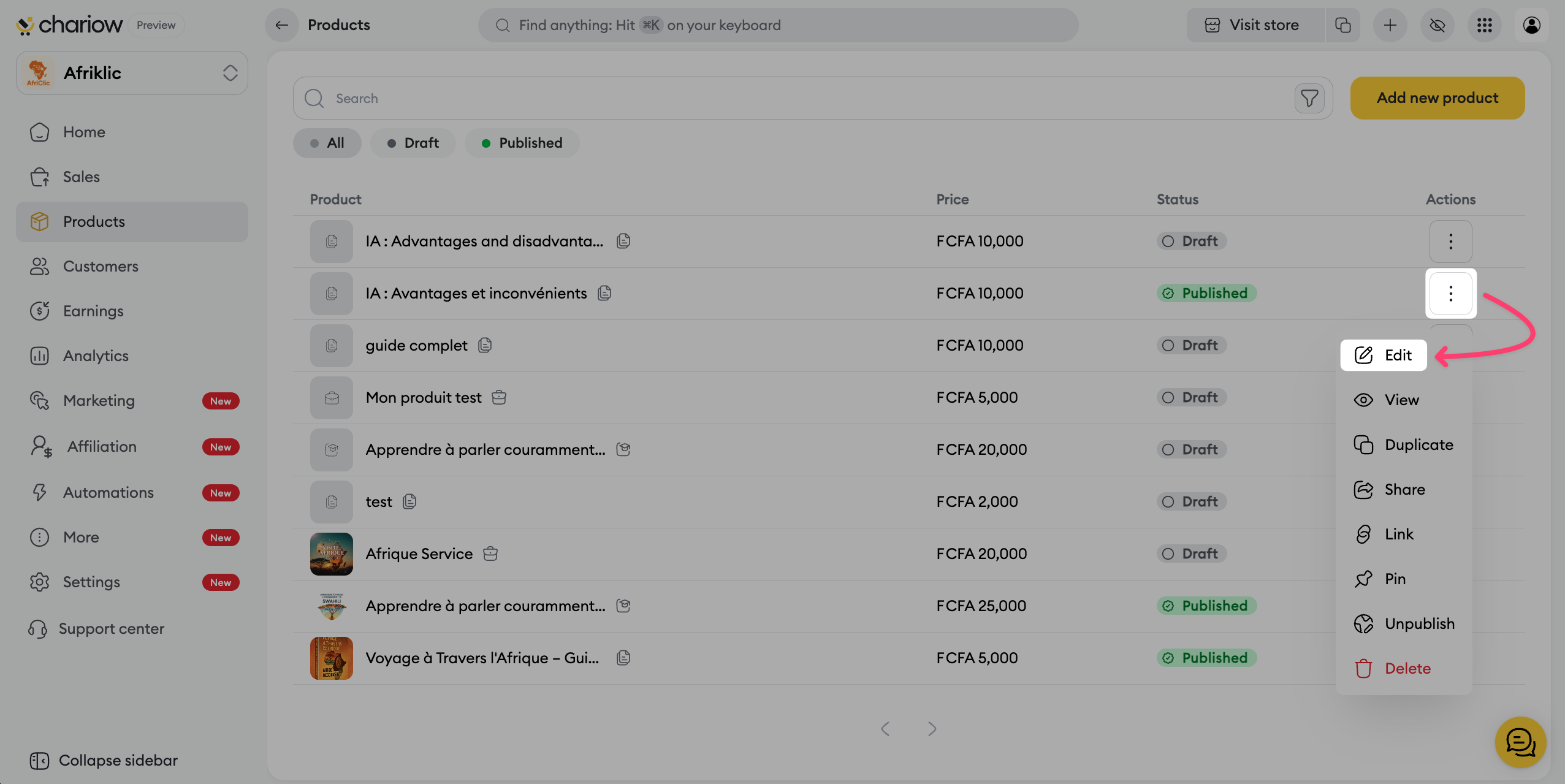
To edit your product or access advanced options, follow these steps:
Go to the Products tab in the side menu.
Click on the three action dots (⋮) to the right of your product.
Select Edit.
The Information tab is the control center for your downloadable product. This is where you manage the identity settings and access control for your file.
Product name You can edit your offer title at any time. Use the starred button on the right of the field to ask the AI to optimize the impact of your title.
Category The category you chose when creating the offer is shown here. Note: this information is final and can’t be changed anymore in order to preserve your store structure.
Automatic discount Turn on this option to offer automatic discounts to customers when sending the 3rd abandoned cart reminder.
Product URL Customize the direct link to your product to make it easier to share and more professional.
Post-purchase instructions Write a specific guide that will be shown to your customers right after payment to maximize their satisfaction.
Buy button text Customize the call to action on your sales page (default: "Download now").
Protect your files with a password Secure your premium content by setting a password that the customer will have to enter to access the download.
Add watermarks to your files Chariow automatically adds the customer’s details to your files to discourage unauthorized sharing.
Set a purchase limit Set a maximum number of sales. Once this digital stock is used up, the product will no longer be available.
Hide in the store Lets you make the product private. It won’t appear in your public catalog and will only be accessible via its direct URL.
Hide the number of purchases Turn on this option if you don’t want your sales stats to be visible to visitors on your page.
Collect shipping addresses Useful if you want to collect your customers’ mailing details for your database, even for a digital product.

To go further in optimizing your product page, you have specific additional modules:
You can offer several price options for the same product (e.g. Standard License vs Commercial License) in the Pricing tab.
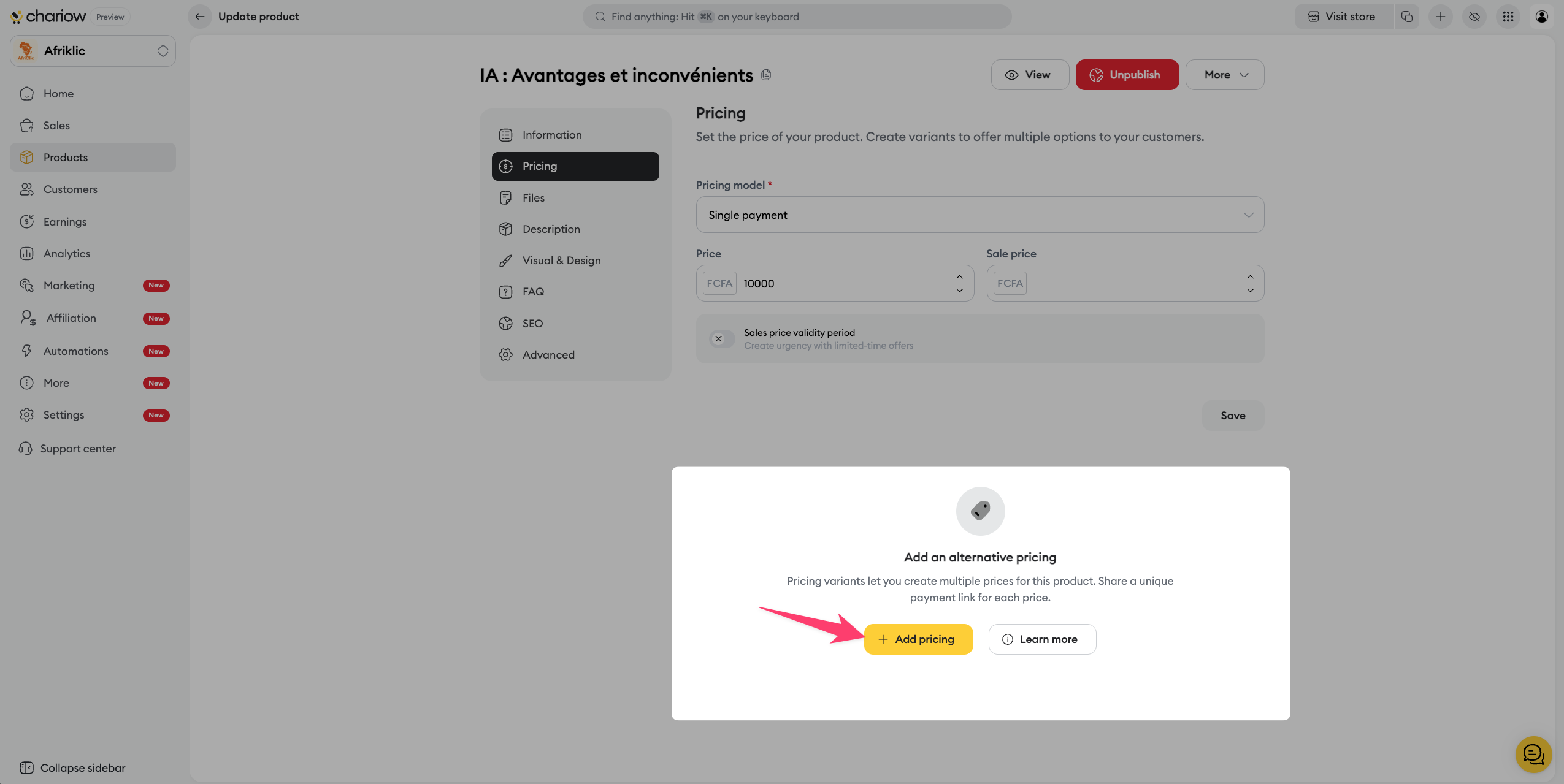
➜ Consult the guide: Create and manage price variants
Anticipate your customers’ doubts by adding an FAQ section directly on your sales page. You can create your own questions or import them from other products to save time.
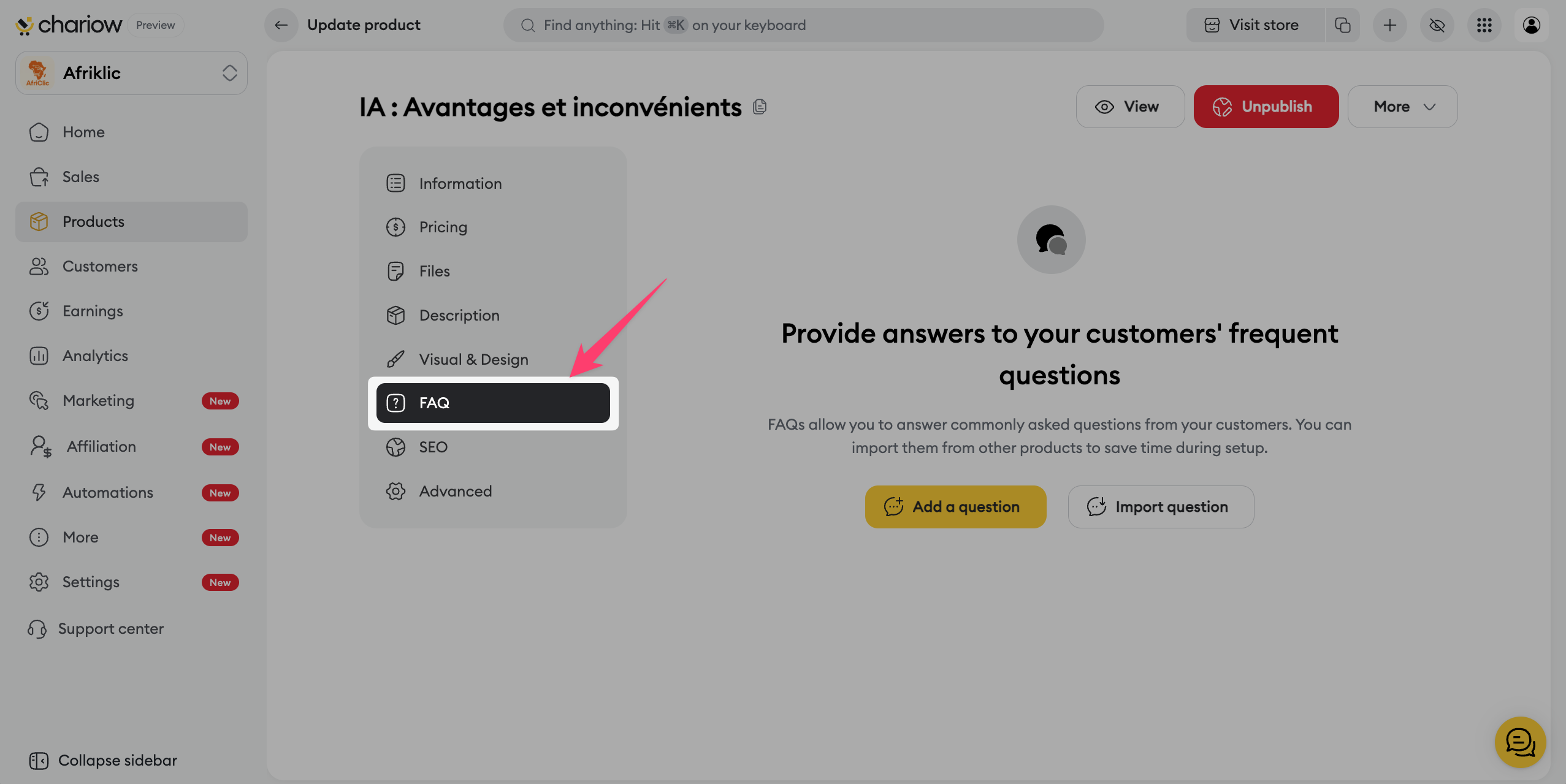
➜ Check out the guide: Set up your product FAQ
Optimize the title, meta description, and share thumbnail (Open Graph) so your product shows up attractively on search engines and social media.
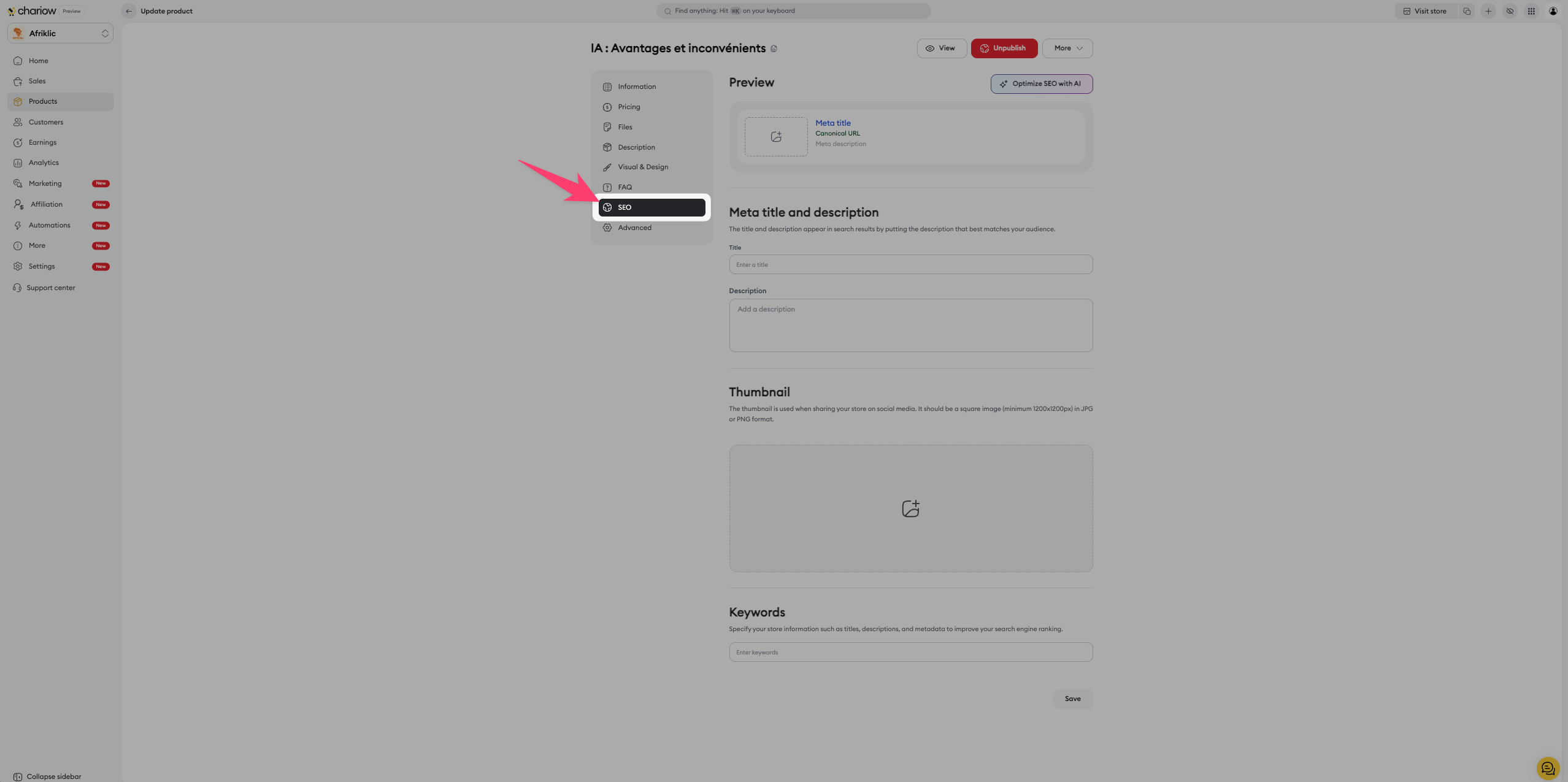
➜ Check out the guide: Optimize your product SEO
Need specific information during checkout (e.g. an ID, a date of birth, a preference)? Add required or optional form fields that the customer will have to fill in before confirming their purchase.
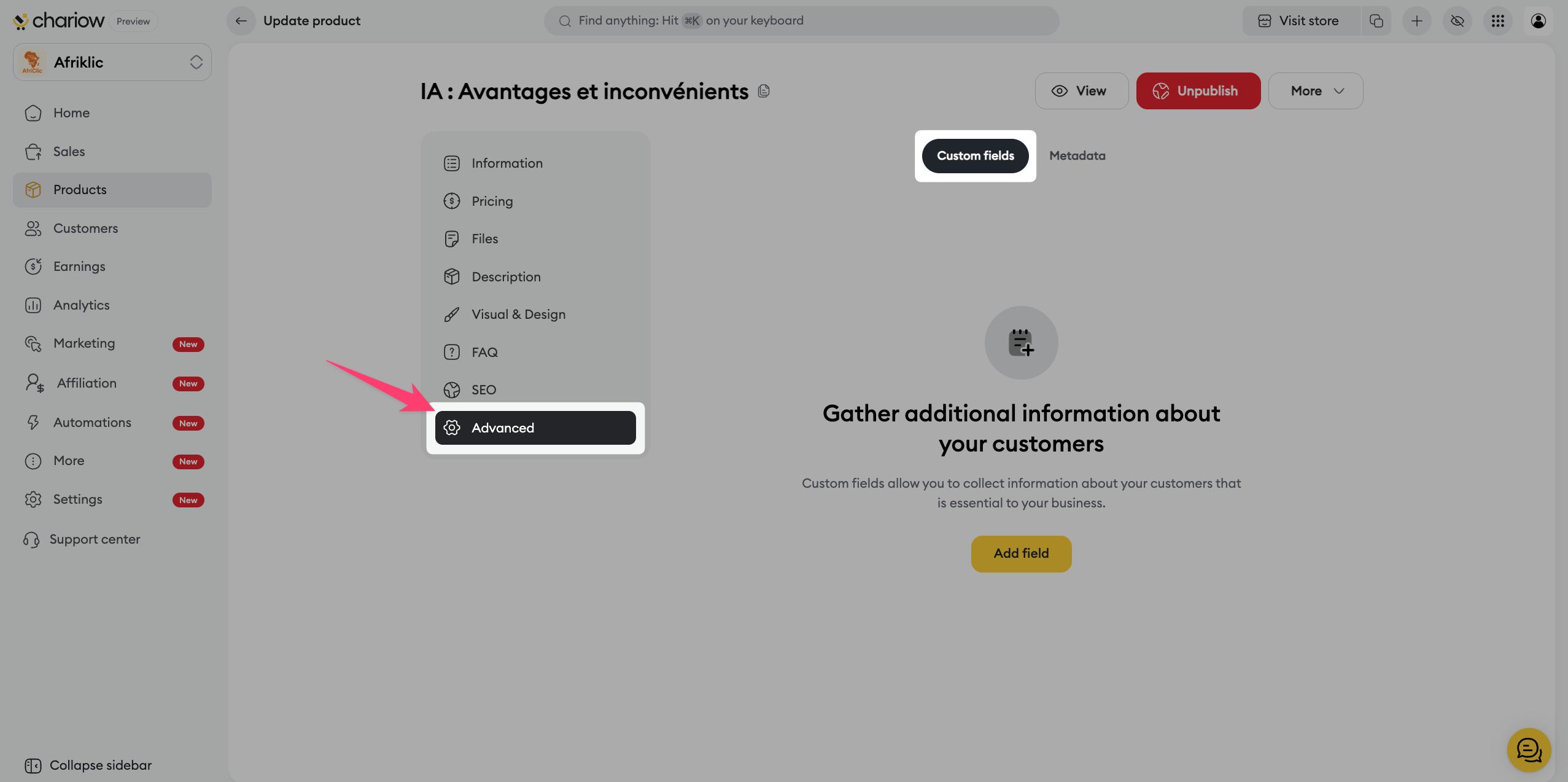
➜ Check out the guide: Use custom fields

Need help? Contact our support via chat or at [email protected]

