Chariow gives you the flexibility to sell a wide range of digital products and services through an intuitive creation interface. For each new item, you have specific configuration options so you can perfectly match the needs of your business.
When creating a product, you need to choose from the following categories:
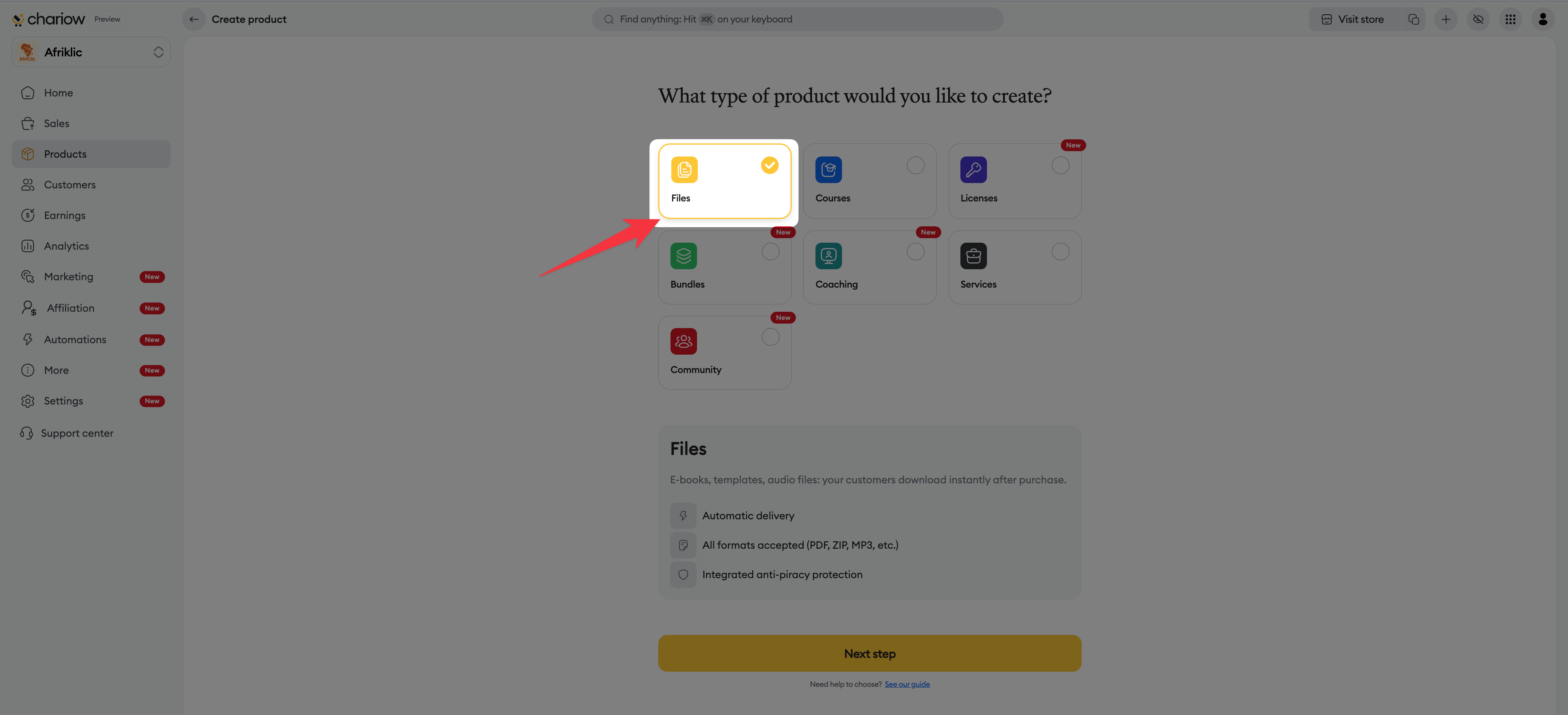
This category is for downloadable digital products.
Typical content: E-books, templates, audio files.
Automatic delivery: Customers download their files instantly after purchase.
Versatility: All standard formats are accepted (PDF, ZIP, MP3, etc.).
Security: Includes anti-piracy protection for your content.
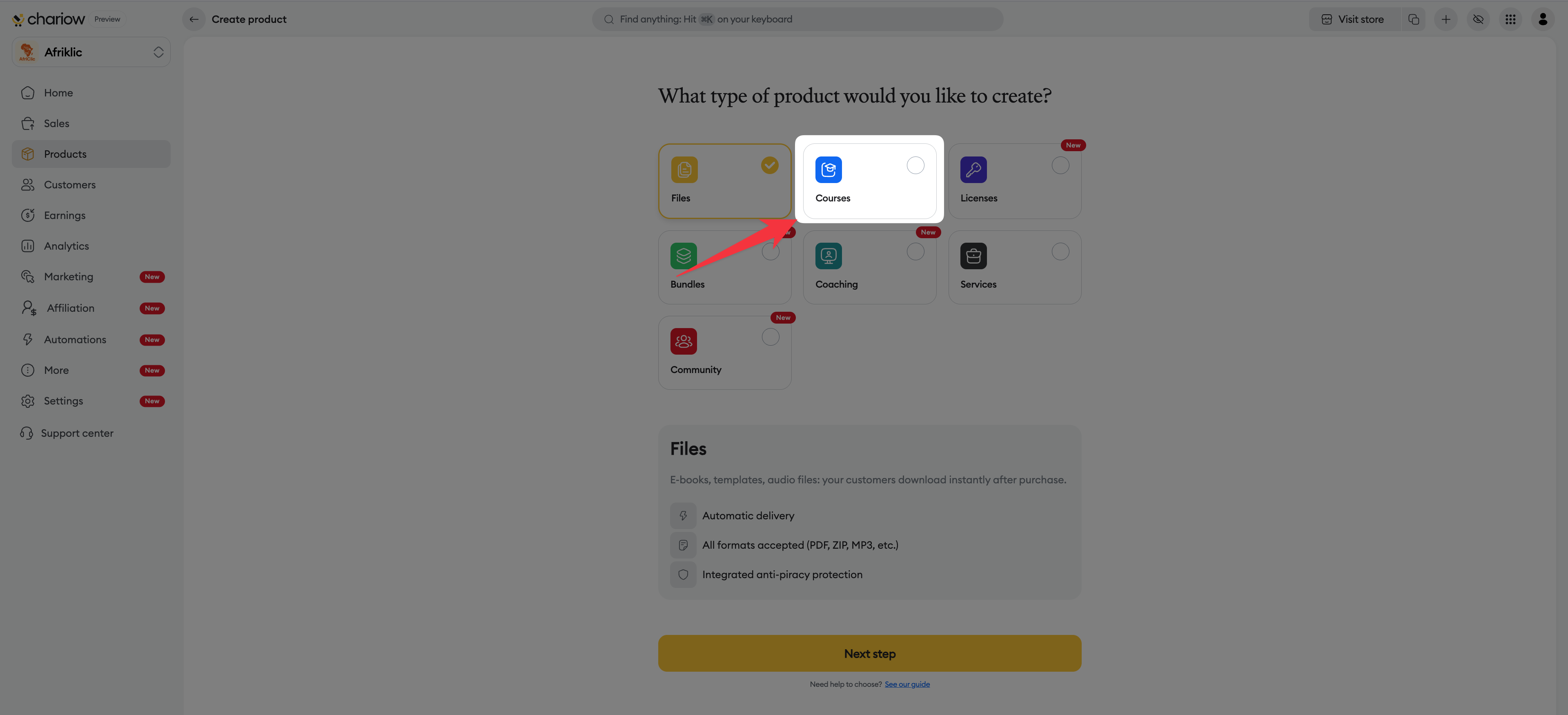
Create complete learning paths for your students.
Structure : Organized by structured lessons and chapters.
Multimedia : Supports video content, text, and downloadable files.
Tracking : Lets you track student progress throughout the course.
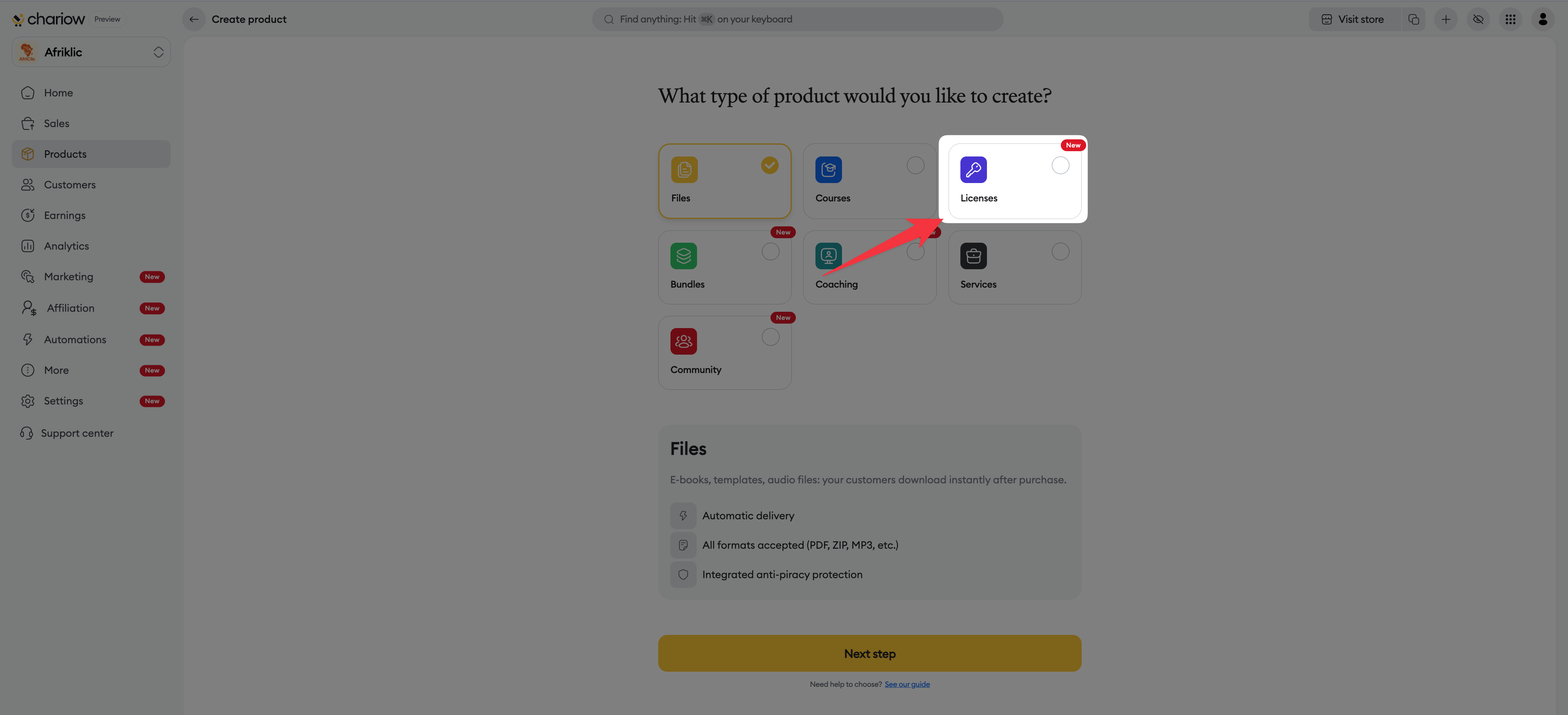
Perfect for selling activation keys or access to software.
Key management : Keys automatically generated by the system or imported from your stock.
Configuration : Option to limit the number of activations per license.
Validity : You can set a specific validity period for each license.
Monitoring : Real-time tracking of activations for full control.
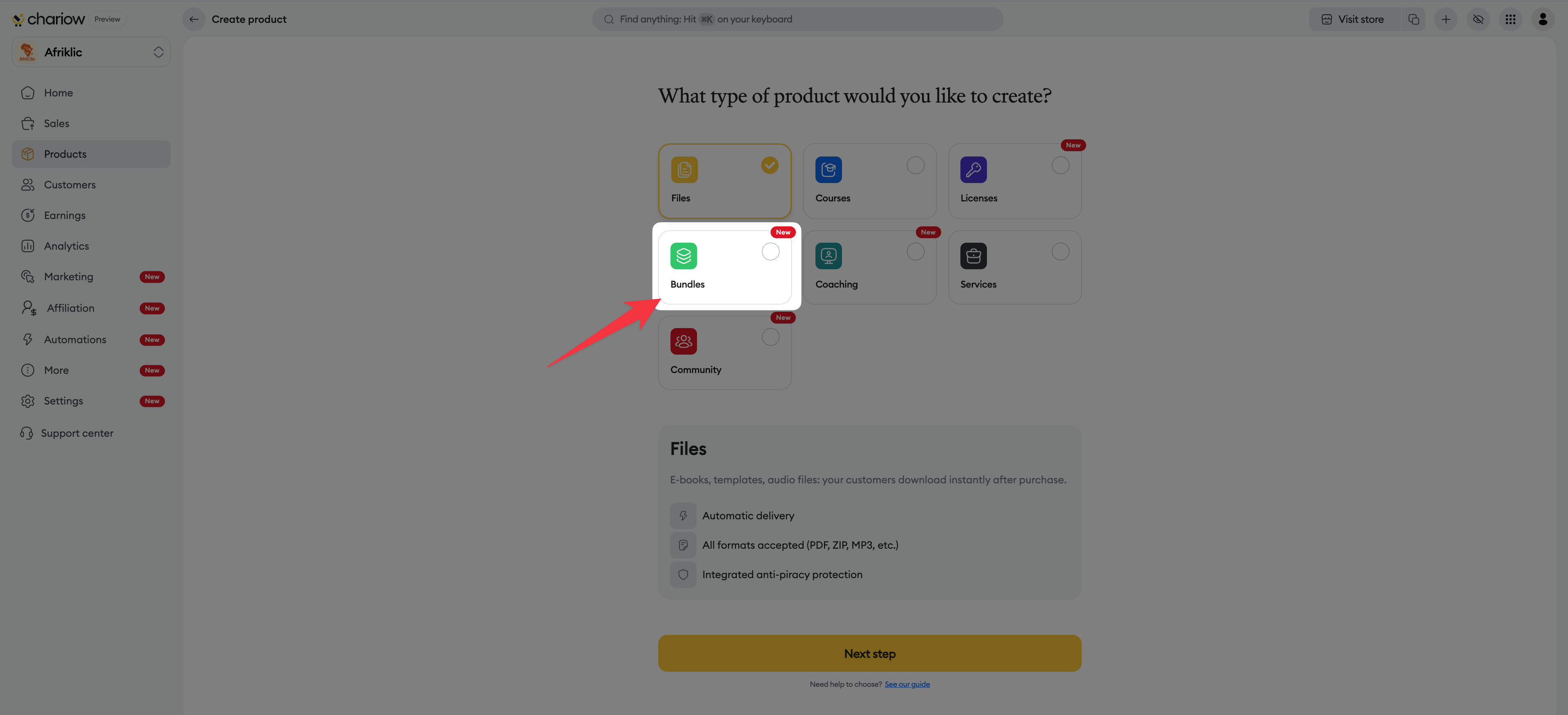
Group several products together to create attractive promotional offers.
Cross-selling : Combine several of your existing products into a single pack.
Customer benefit : Apply an automatic and visible discount to encourage group purchases.
Simplicity : Group delivery of all bundle items in a single transaction.
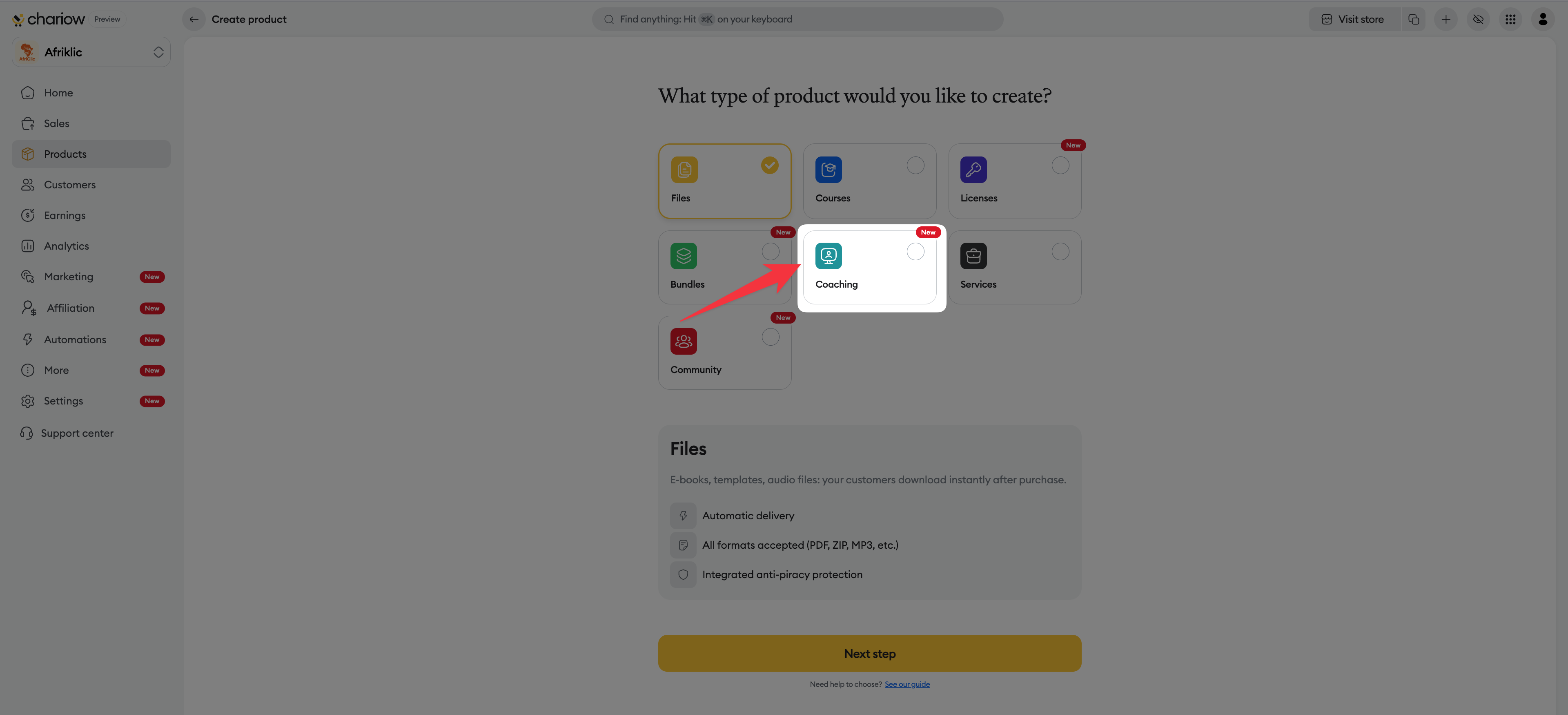
Share your expertise through one-on-one or group sessions.
Schedule Management: Define your availability slots and let your clients book online.
Automation: Native synchronization with your calendars (Apple, Zoho, etc.) to prevent double bookings.
Flexibility: Offer sessions via video conferencing, in-person, or through a custom link.
Logistics: Manage buffer times between sessions and automated reminders.
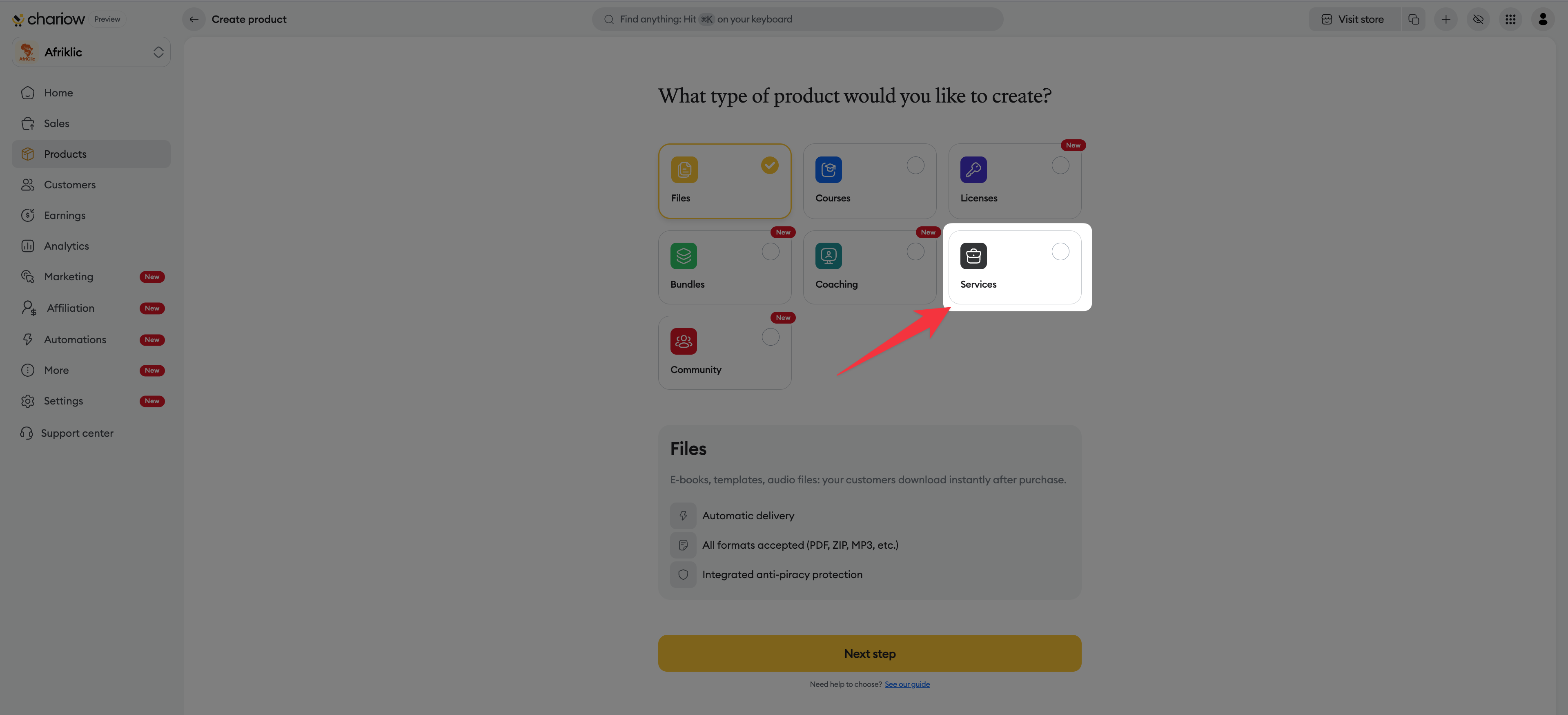
Offer custom services, on-demand work, or consulting.
Personalization : Describe your offer precisely and receive tailored orders.
Interaction : Direct messaging system with your customers to ensure service quality.
Security : Enjoy secure payment as soon as the order is confirmed.
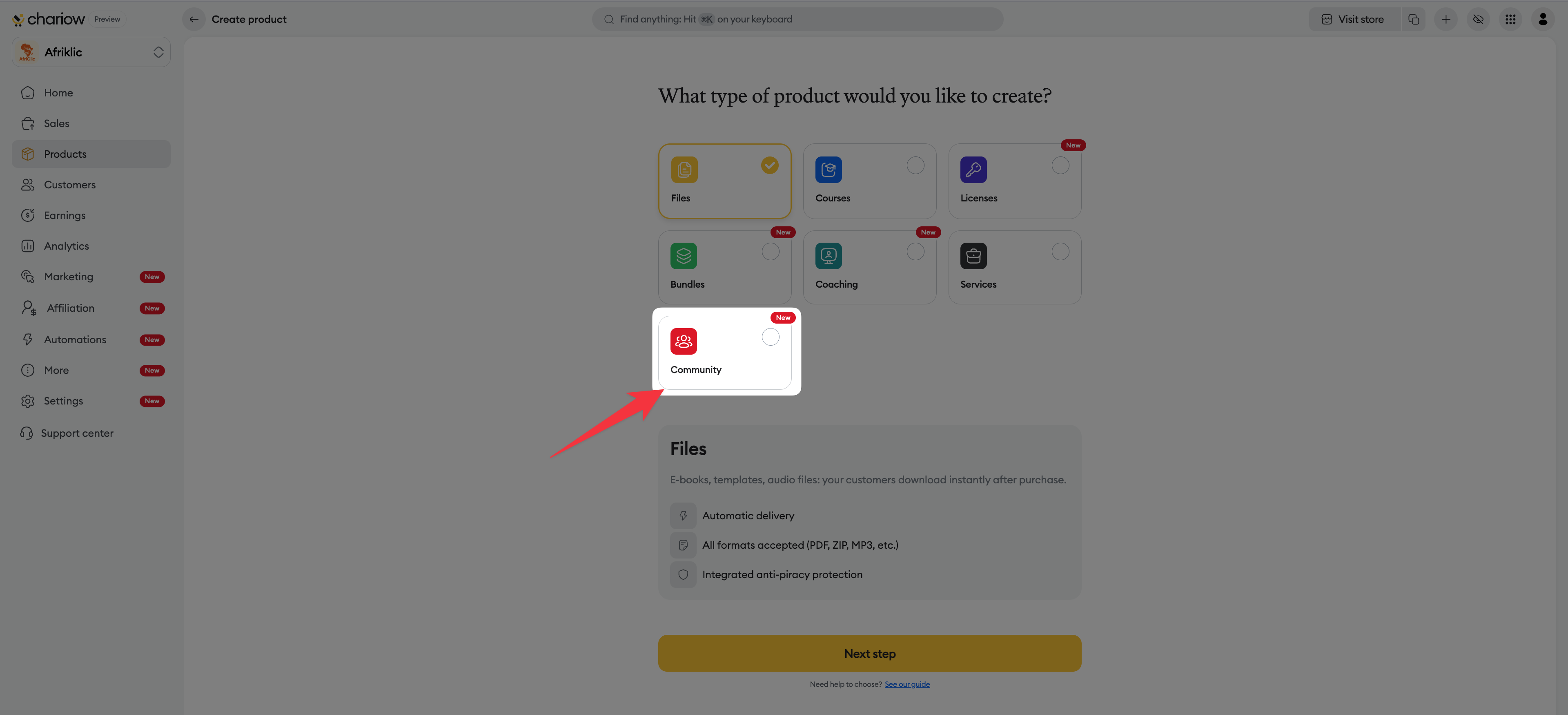
Monetize your audience by creating exclusive member spaces via the Tribbut platform.
Discussions : Access to private forums and discussion threads for your members.
Live events : Offer live "Lives" sessions with your community.
Exclusive content : Share courses and premium resources reserved for members.
Recurrence : Generate stable revenue thanks to recurring subscriptions.
Go to the "Products" tab in your Chariow sidebar menu.
Click the button to create a new product.
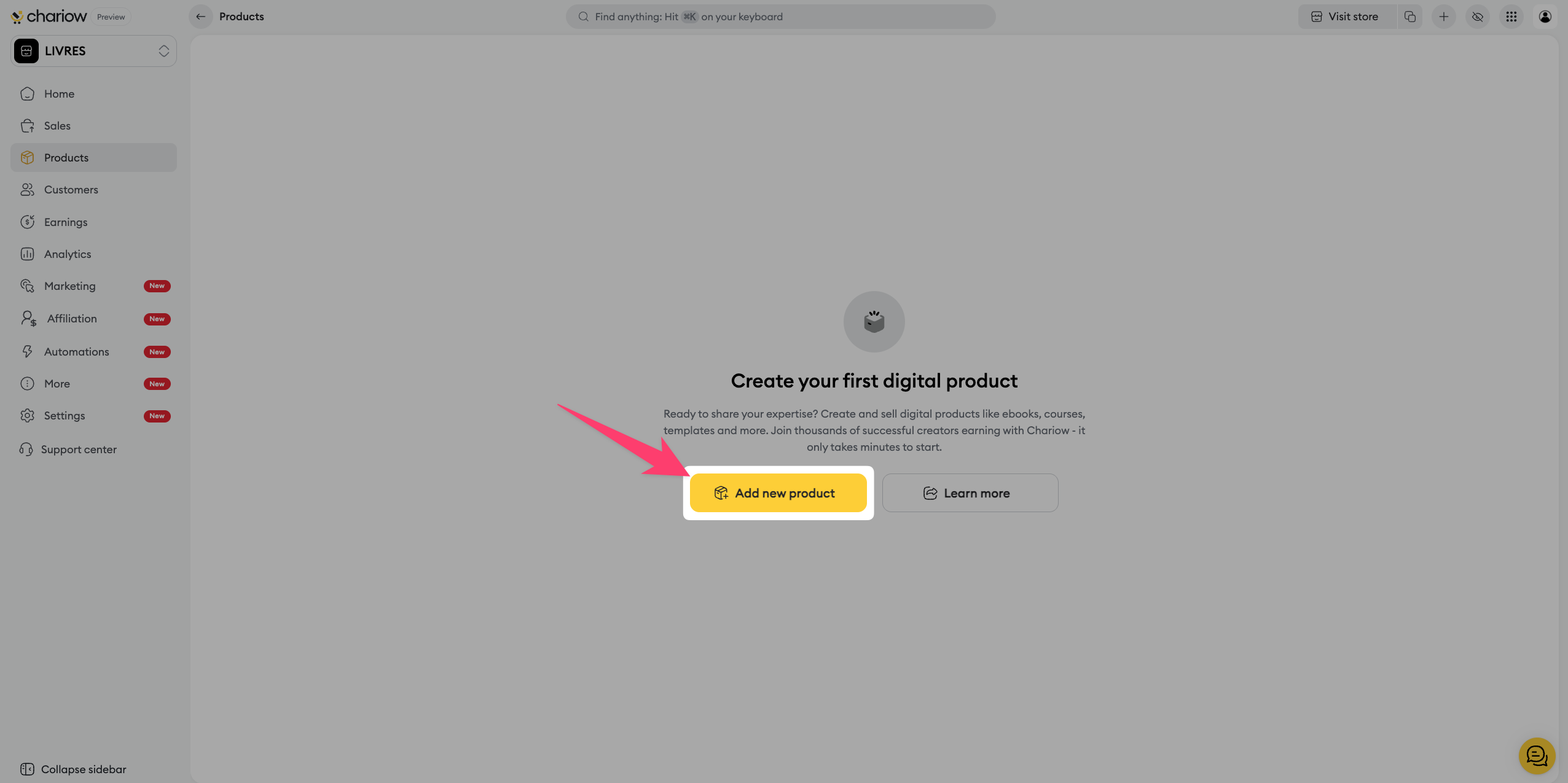
On the "What type of product do you want to create?" page, select the option that matches your project.
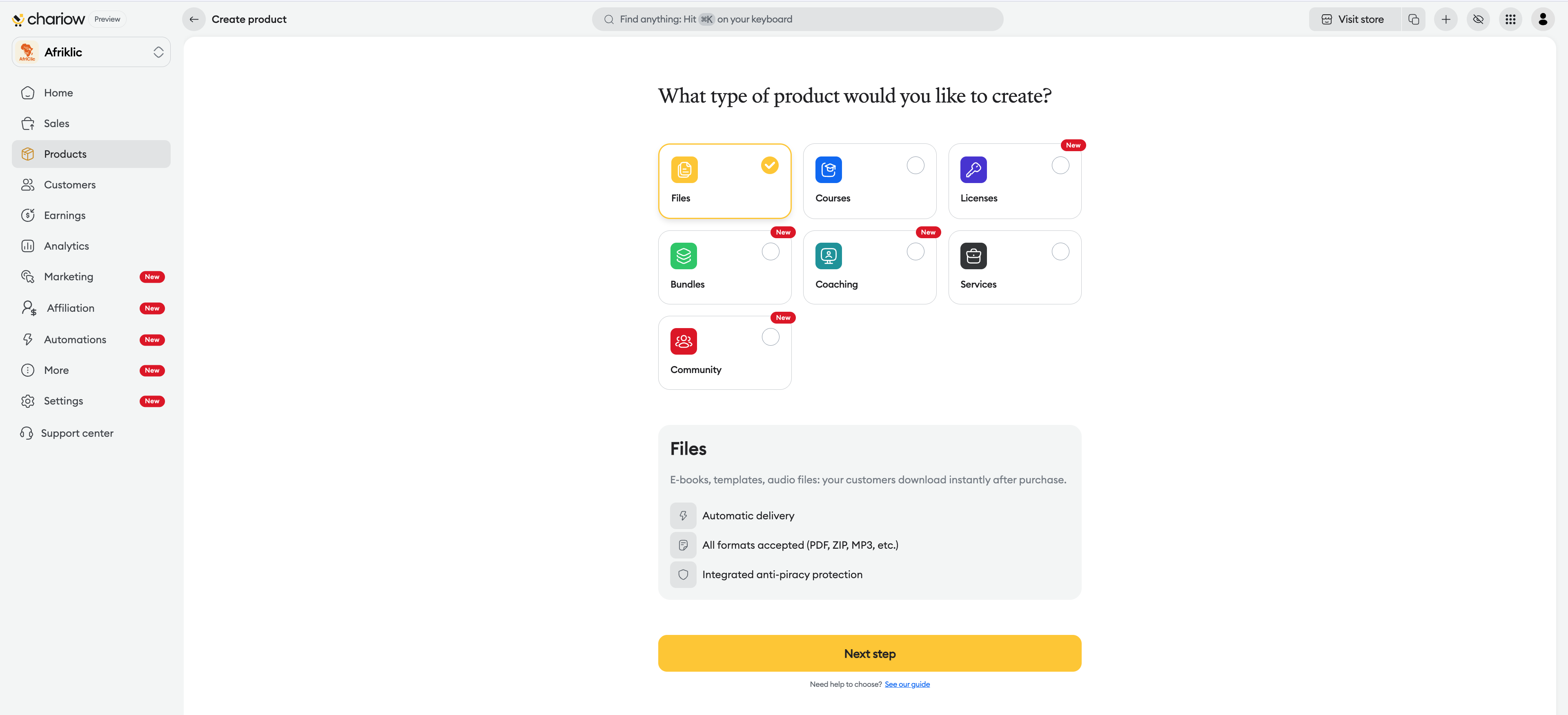
Check the detailed summary of features that appears under your selection to confirm your choice.
Click the yellow "Continue" button to move on to the detailed setup of your offer.
Need help? Contact our support via chat or at [email protected]