Once your Bundle is created, Chariow lets you access a complete control panel to manage its composition, visibility and security.
To edit or customize an existing bundle:
Go to the Products tab in the side menu.
Click on the three action dots (⋮) to the right of your bundle and select Edit.
This tab groups together the key identity and visibility settings for your bundle offer.
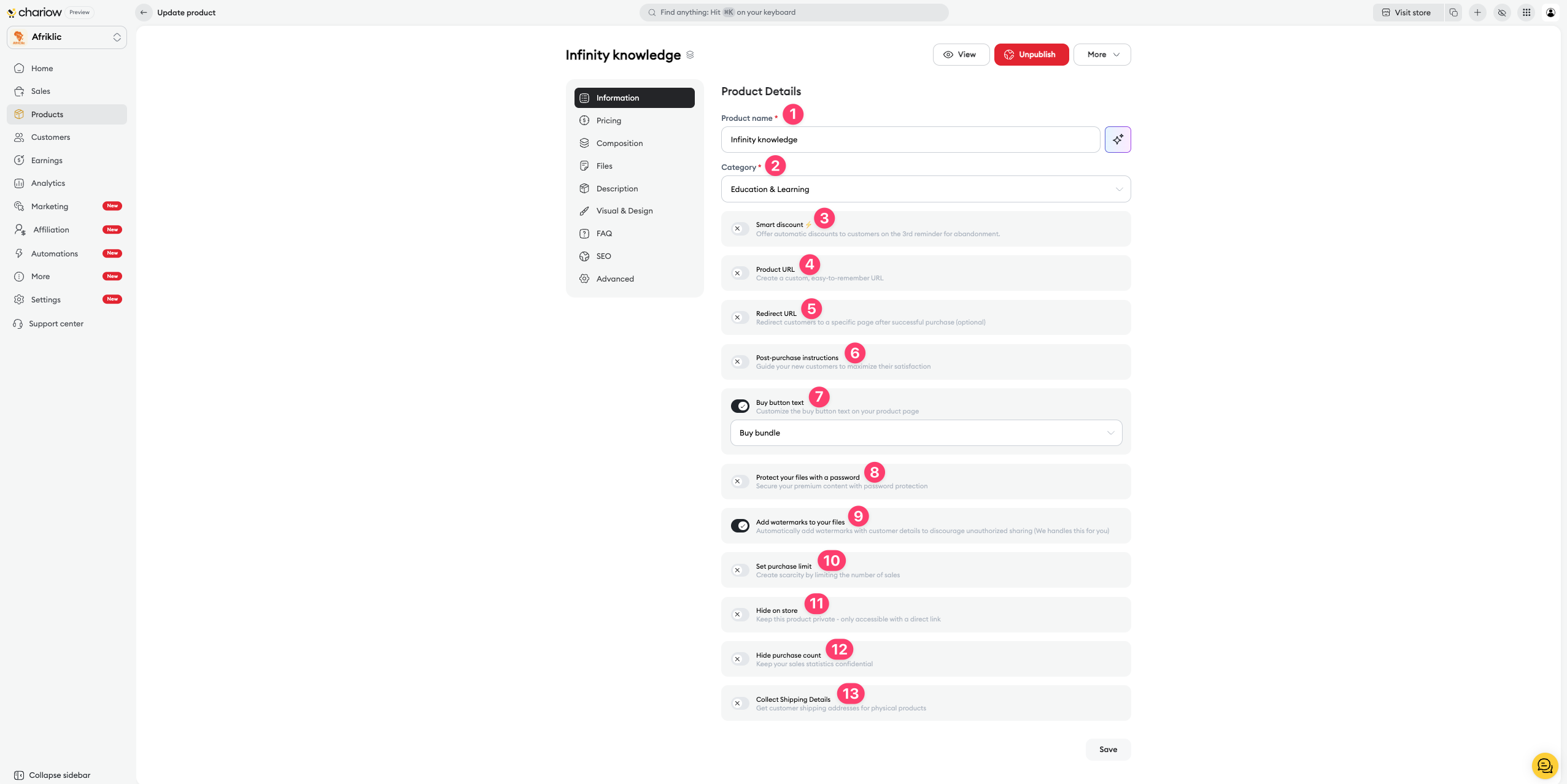
Name and Category (1 & 2) : You can edit the pack title and its theme at any time to fit your store.
Custom URL (4) : Create a unique and easy-to-remember link to promote your bundle on social media.
Buy button text (7) : Customize the call to action (e.g.: "Get the full pack").
Automatic discount (3) : Offer an extra discount to customers after the 3rd abandoned cart reminder.
Redirect URL (5) : Set a specific page to send your customers to right after their successful purchase.
Post-purchase instructions (6) : Write a welcome message or general instructions to access the different products in the bundle.
Password protection (8) : Secure access to the bundle page with a specific code.
Watermarks (9) : Enable the automatic addition of the buyer's contact details on the PDF files included in the bundle to limit unauthorized sharing.
Purchase limit (10) : Create a sense of urgency by limiting the number of packs available for sale.
Hiding (11 & 12) : Make the bundle private (only accessible via direct link) or hide the total number of sales made.
Address collection (13) : Enable this option if your bundle contains physical products that need shipping.
This is where you manage the content of your pack:
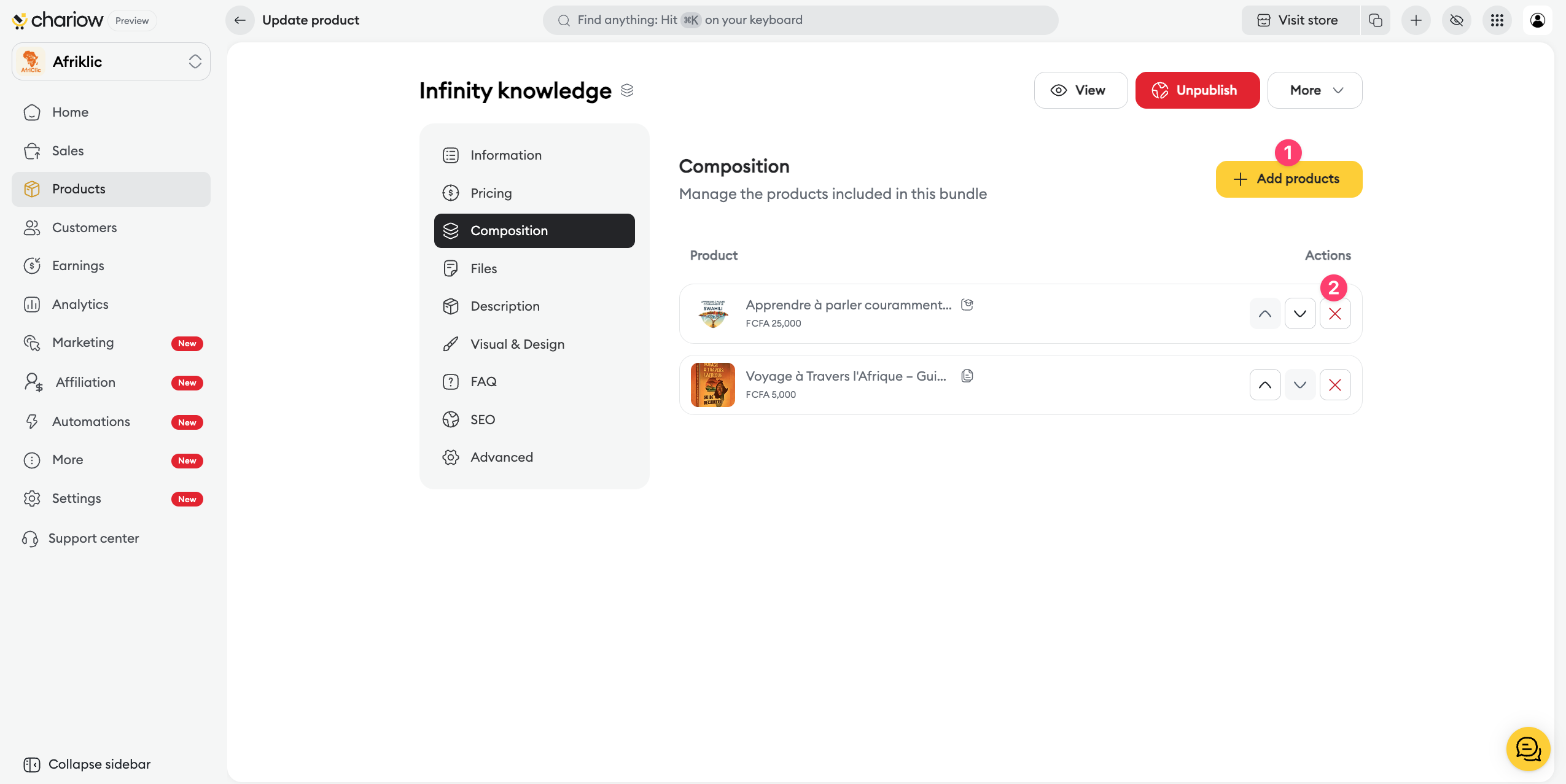
Add products : Click the button to add new courses, files, or licenses to your bundle.
Organization : Manage the display order or remove products from the selection.
Total value : The system automatically recalculates the overall value of the bundle based on the selected products.
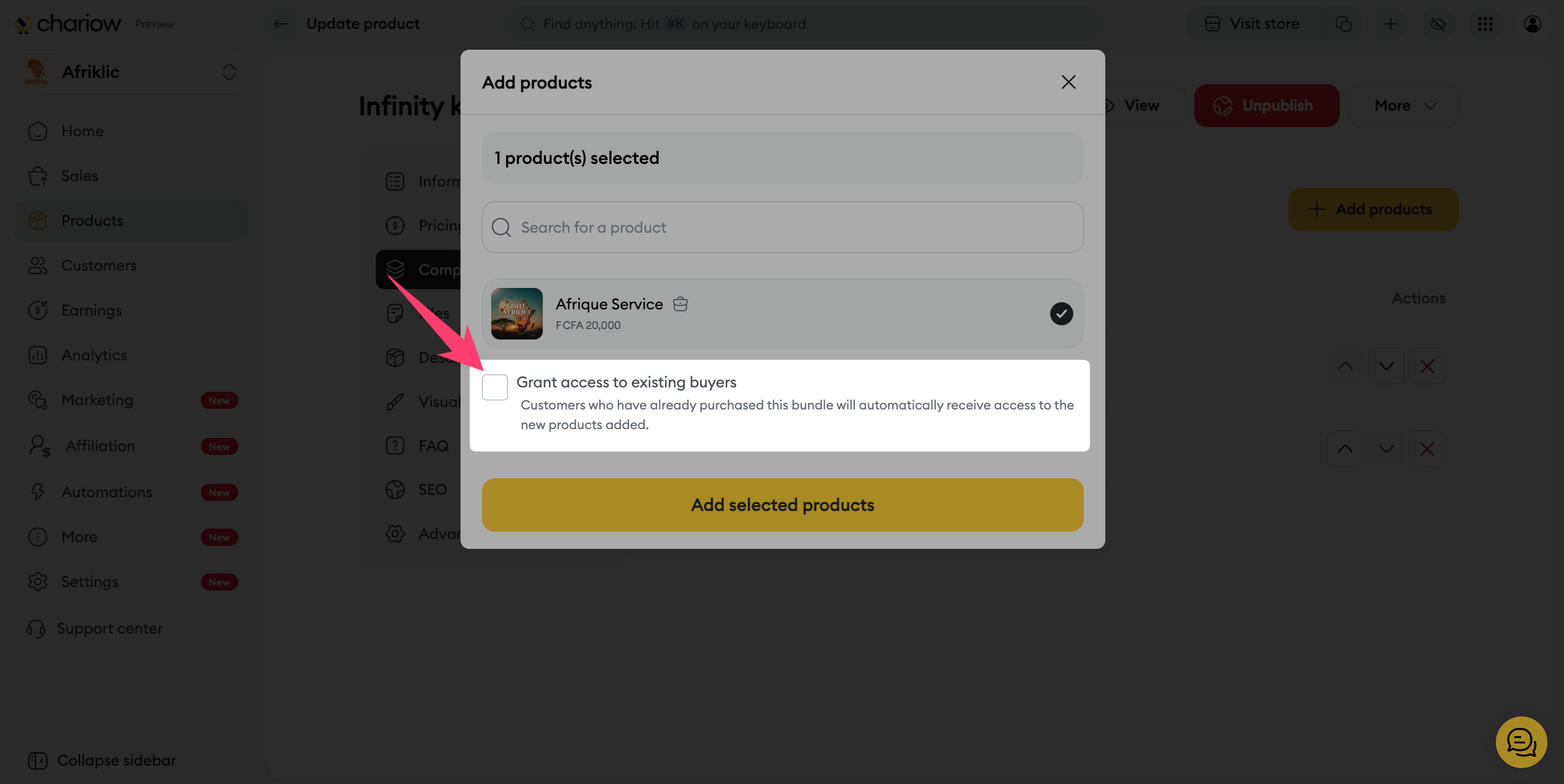
Access for existing buyers : You can choose to automatically grant access to newly added products to customers who have already purchased this bundle.
You can offer several access levels for the same bundle:
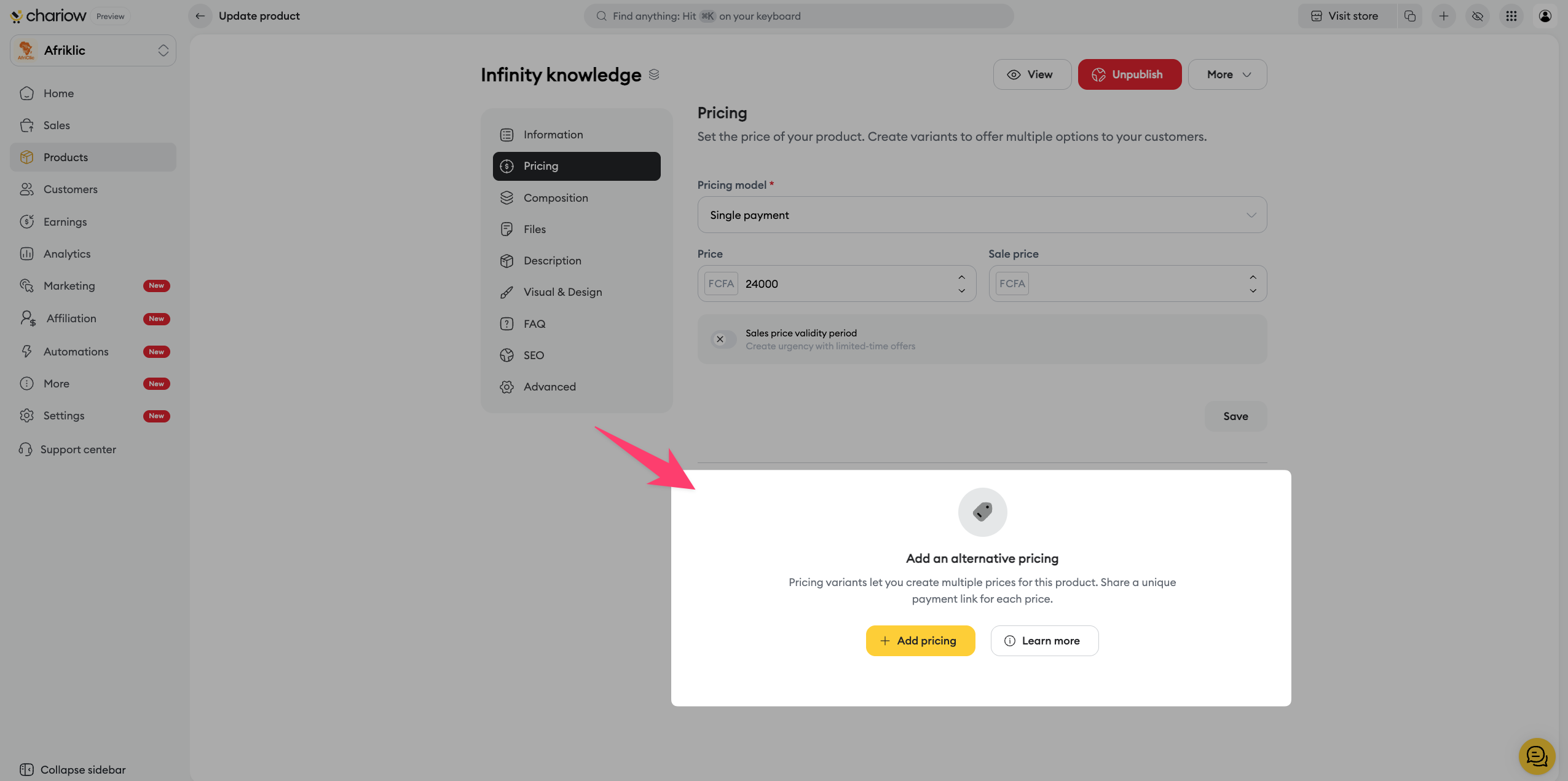
Multiple prices : Create price variations (e.g.: "Standard Pack" vs "Premium Pack with coaching").
Discount management : Adjust the final price manually or using predefined percentages to show the savings for the client.
Use the sidebar menu to maximize the impact of your offer:
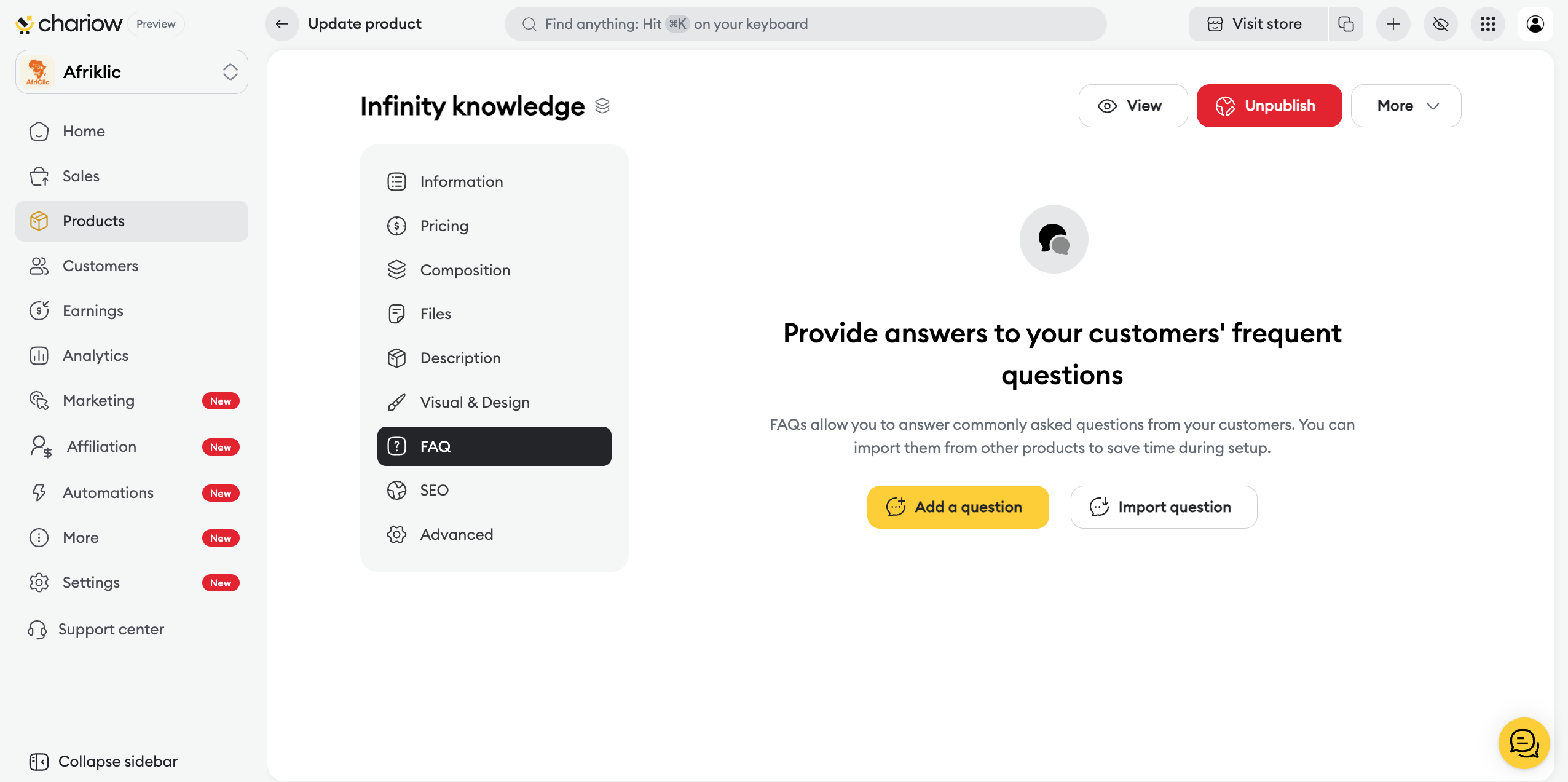
Frequently Asked Questions (FAQ) : Add a section to reassure customers about the overall content of the pack.
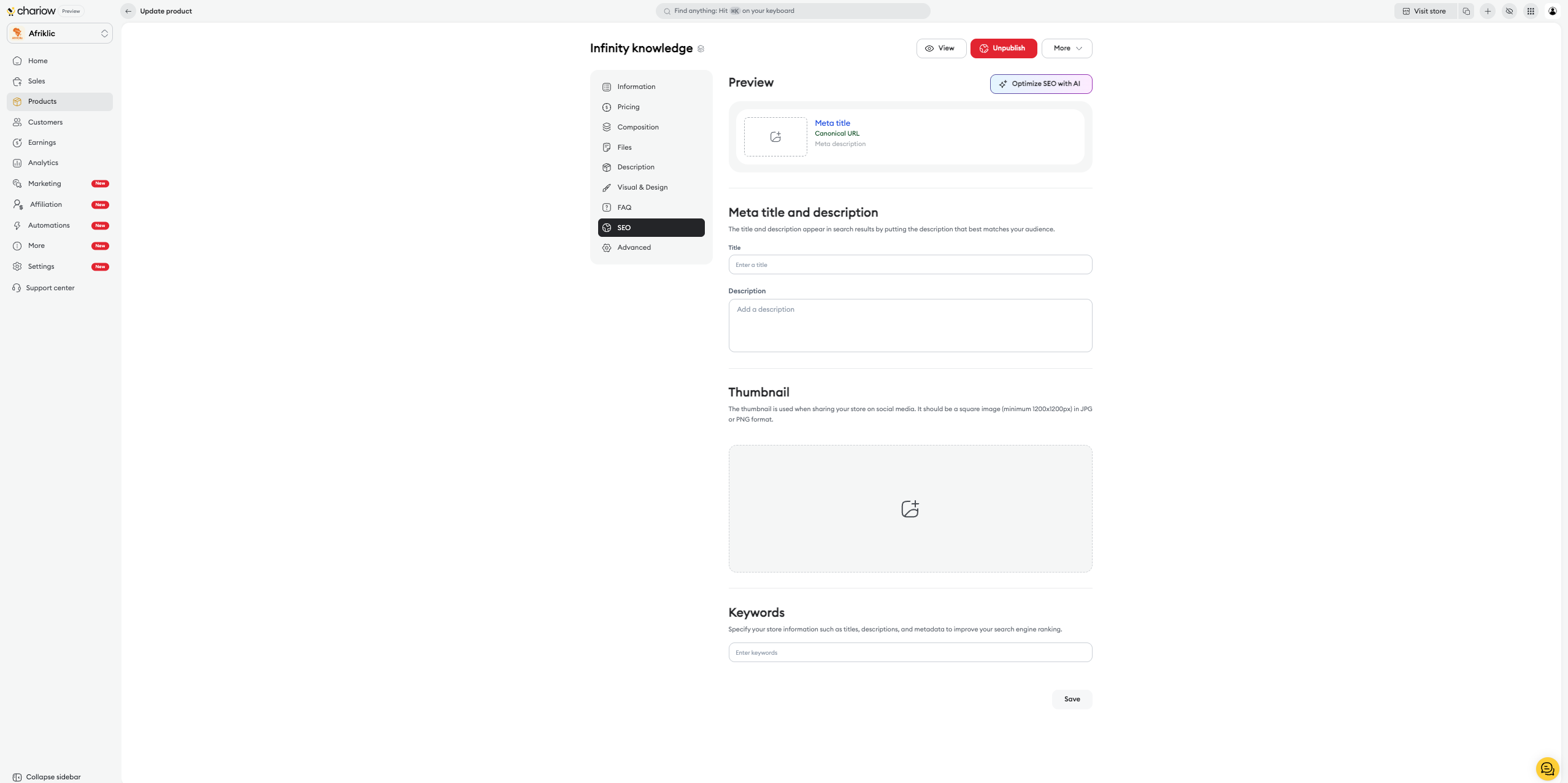
SEO : Customize the thumbnail and description for search engines.
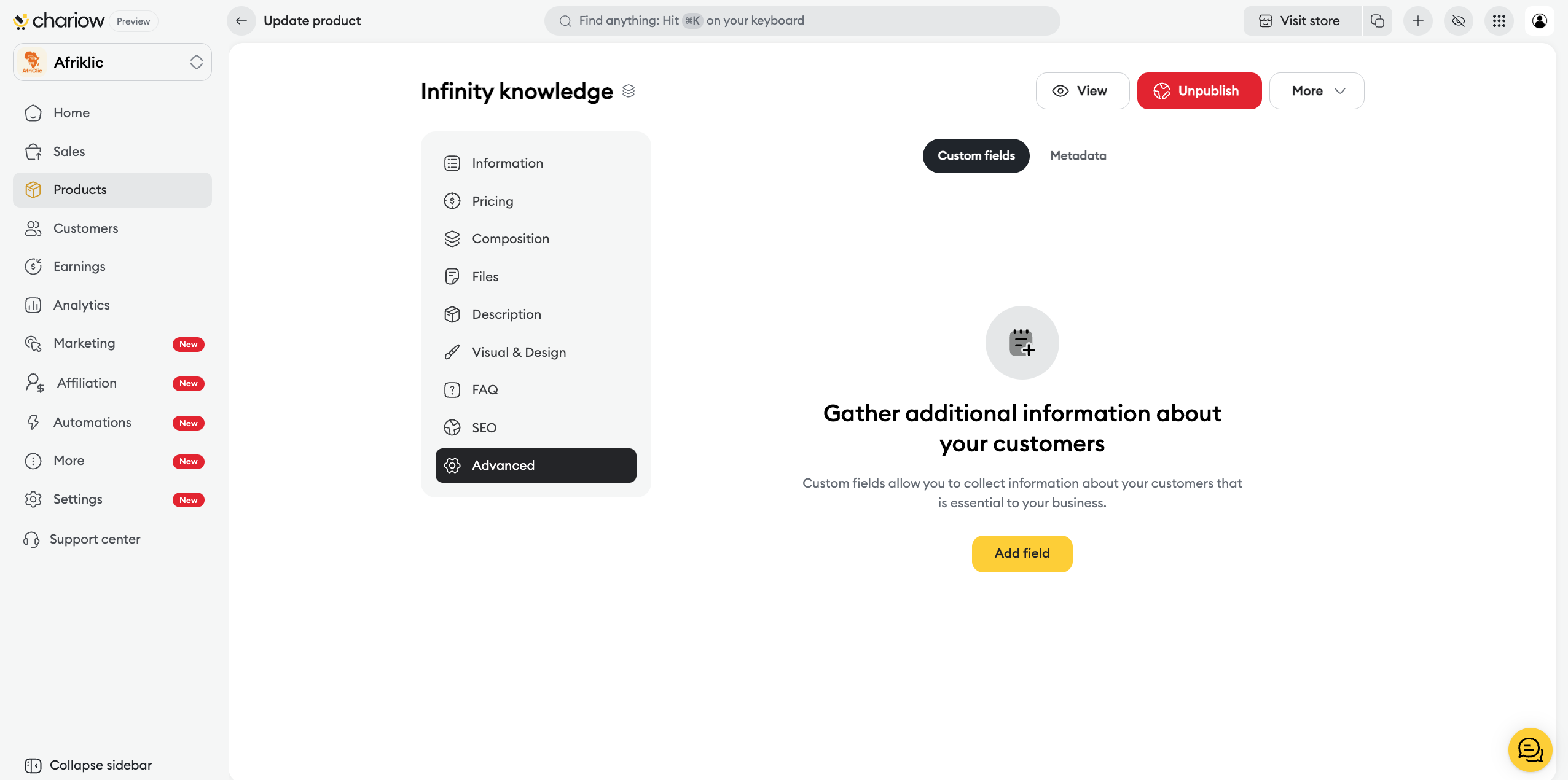
Custom fields : Collect specific information from your customers when they confirm their cart.

Need help? Contact our support via chat or at [email protected]

