The product type Community is designed for creators who want to bring their members together, share exclusive content, and generate recurring revenue within a dedicated space.
Chariow relies on the power of Tribbut to offer you a complete community experience:
Discussions: Create structured forums and discussion threads to engage your members.
Exclusive content: Share courses and premium resources reserved for subscribers.
Lives: Host live sessions directly with your community.
Subscriptions: Easily manage your premium access and recurring revenue.
Go to the Products tab in your sidebar menu.
Click the button to add a new product and choose the Community card.
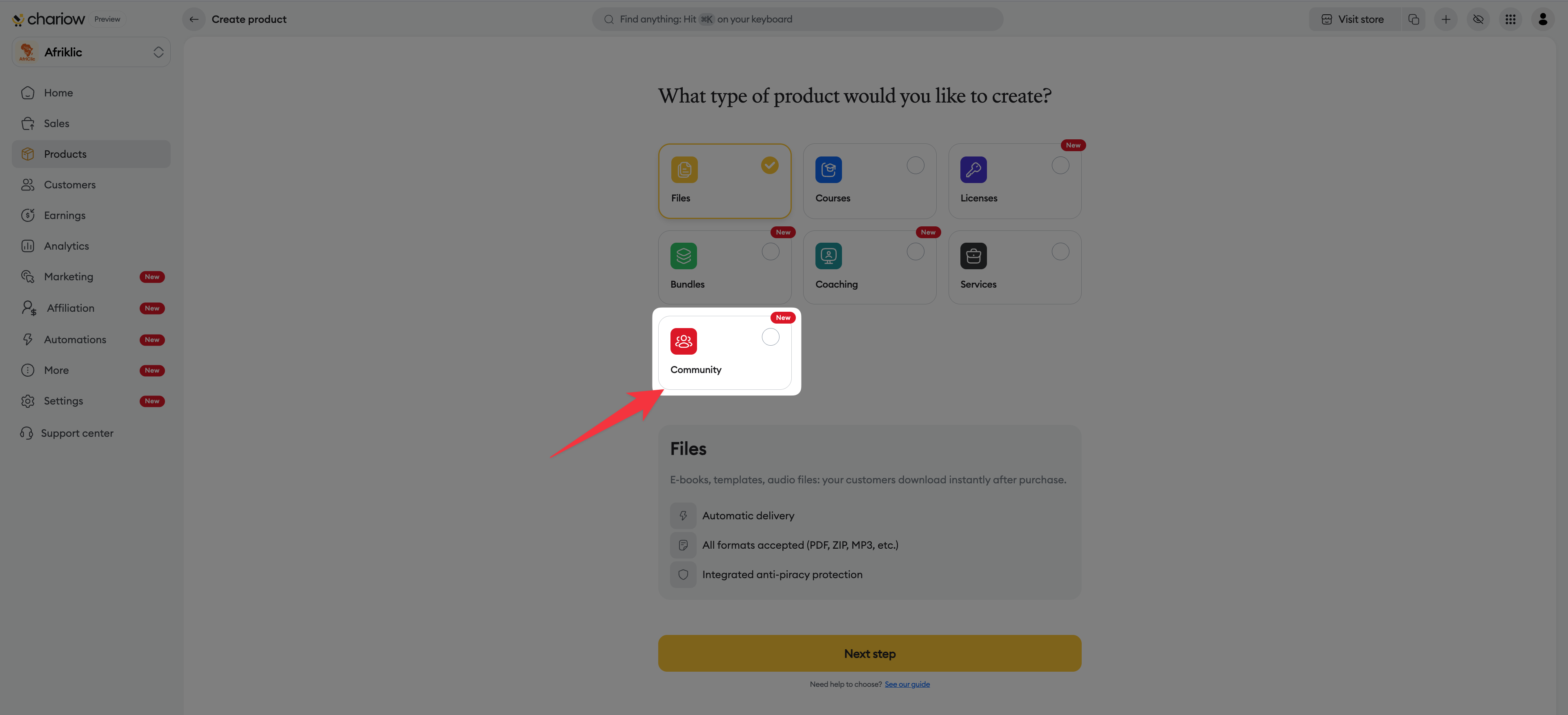
Click the yellow Continue button.
Since community management is powered by Tribbut, an information window will pop up to show you the key features (discussions, lives, content).
Learn about the benefits of the dedicated platform.
Click on the red button Discover Tribbut.
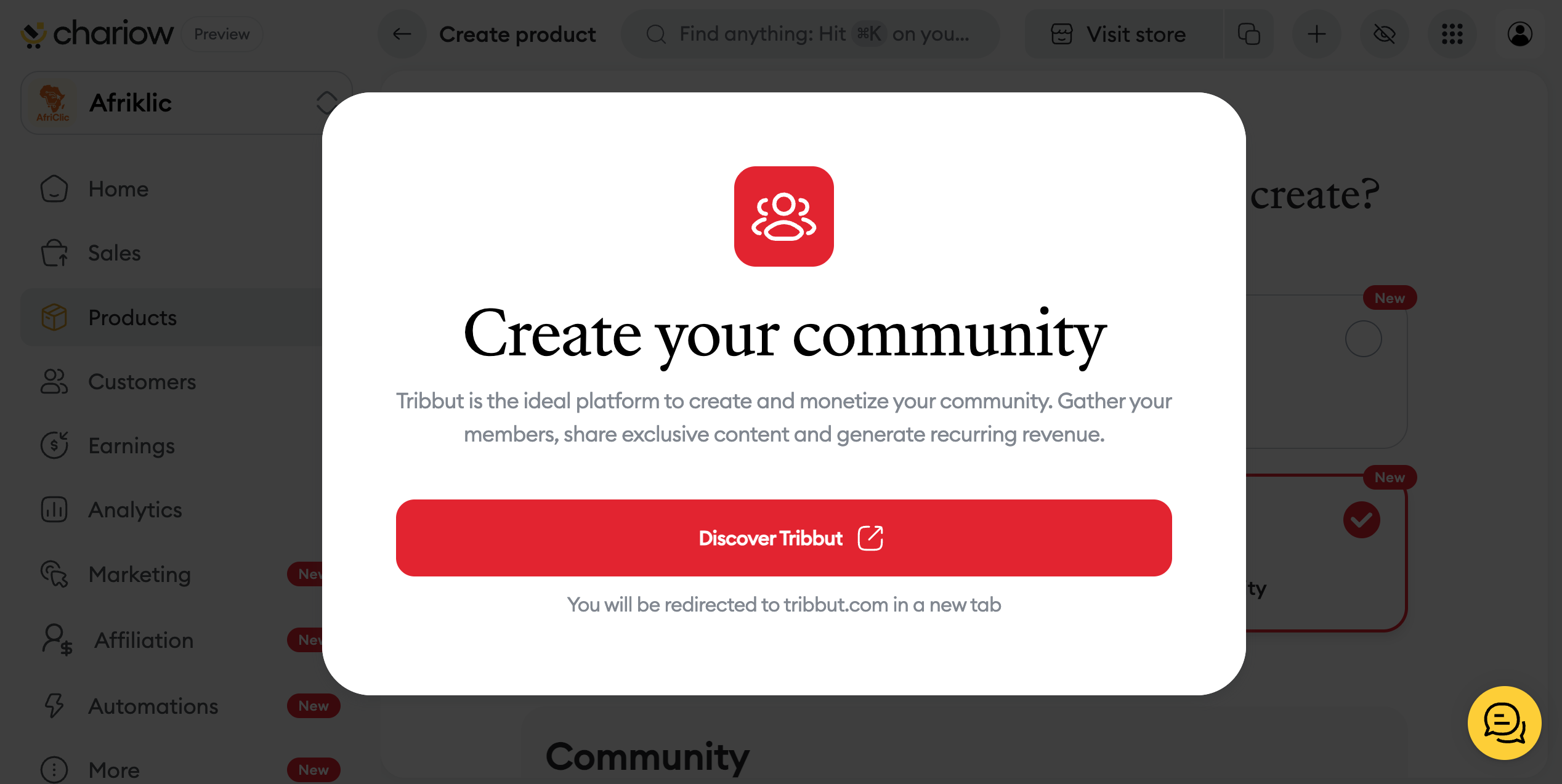
You will automatically be redirected to tribbut.com in a new tab to finish setting up your space and start bringing your members together.
Once redirected, you’ll be able to define your discussion rules, set up your different subscription levels, and customize the look of your member area so it reflects your brand.
Need help? Contact our support via chat or at [email protected]