Deleting your account is a serious action that leads to the irreversible deletion of your stores, products and history. To keep you safe, Chariow has set up an email verification process as well as a 30-day grace period.
Log in to your Chariow dashboard, then:
Go to the "Settings" tab.
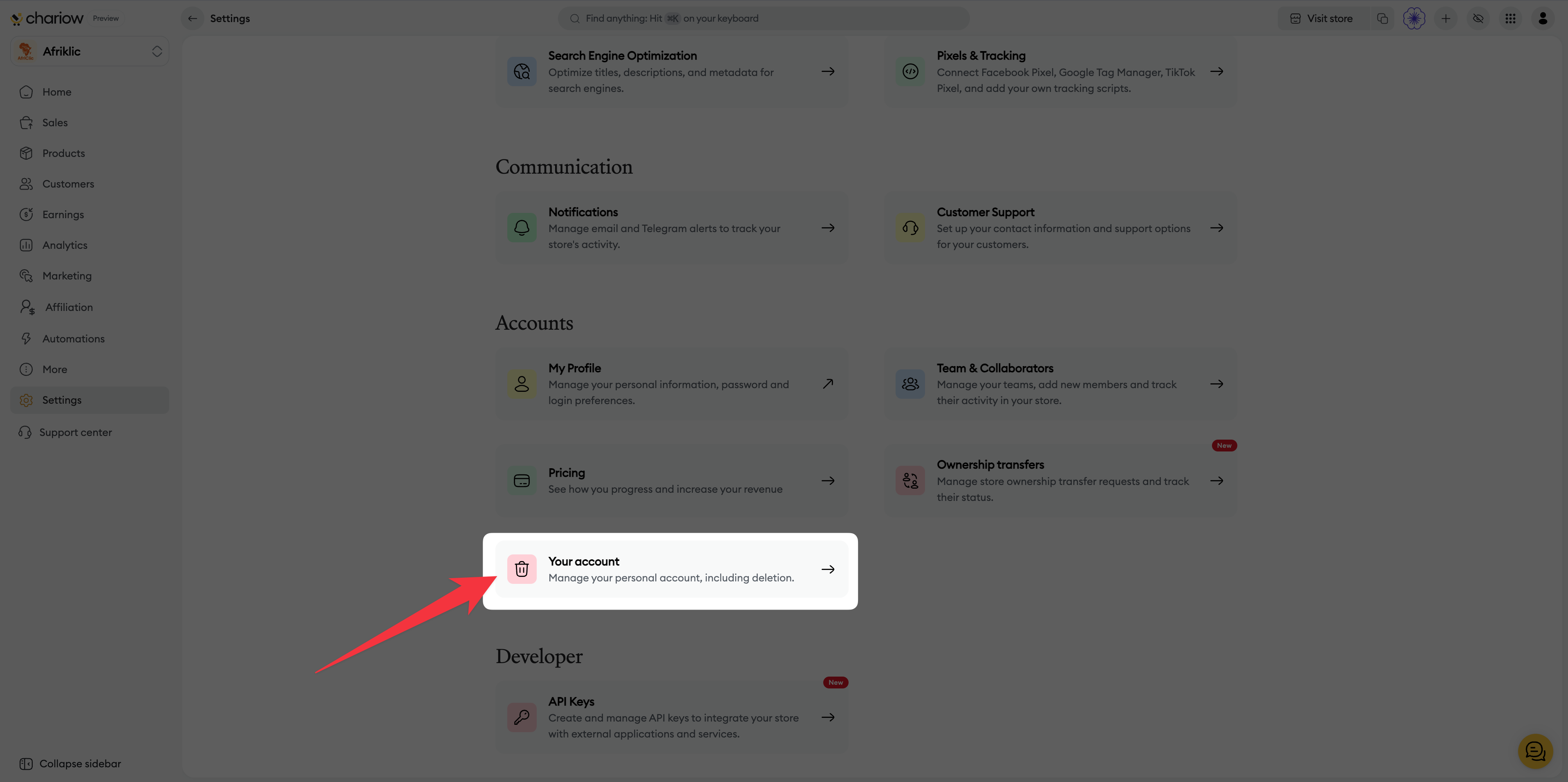
In the "Accounts" section, click on "Your account".
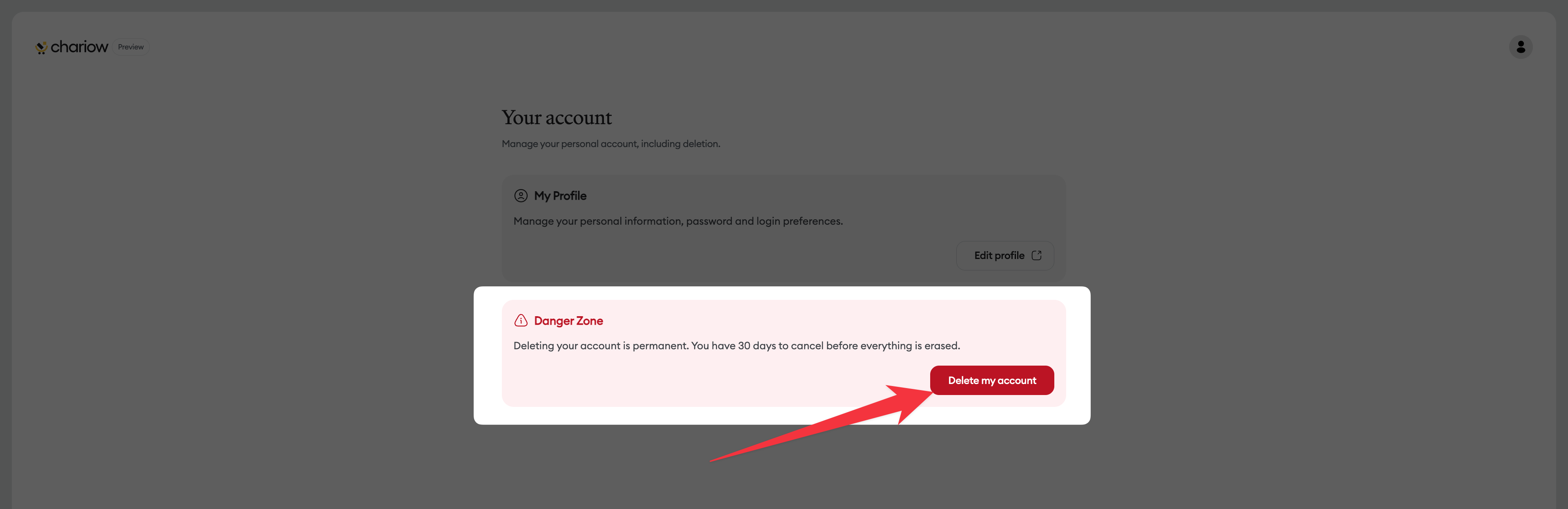
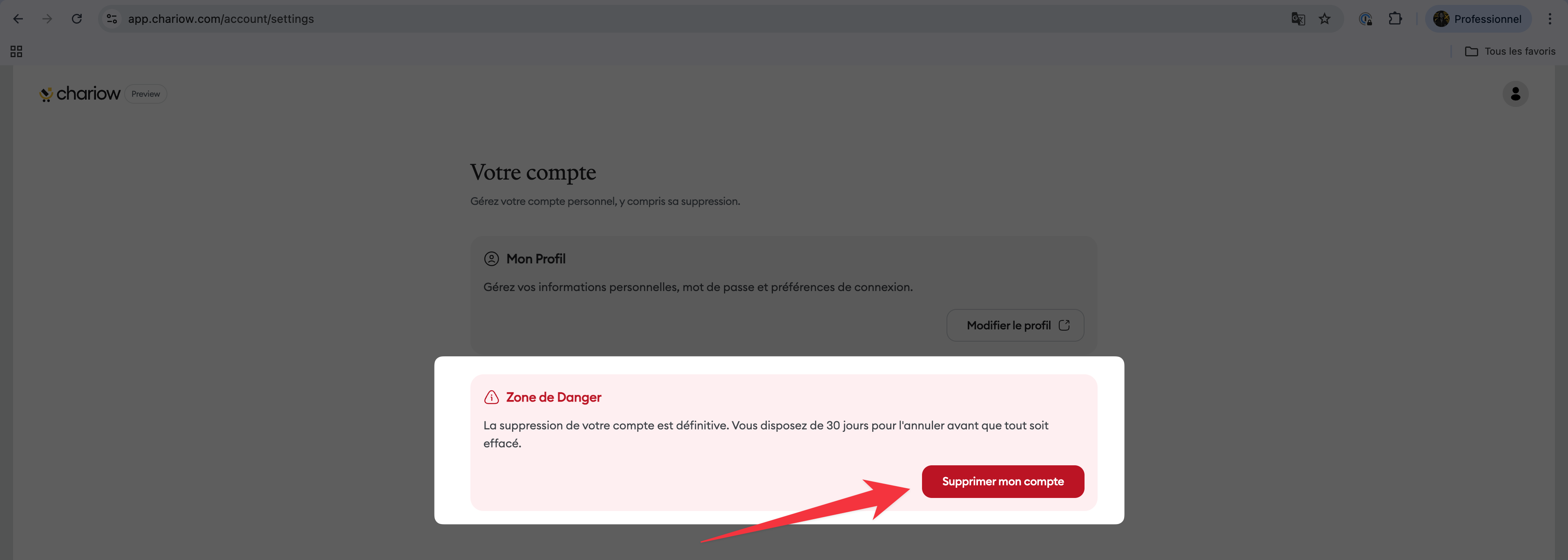
Once you’re on the profile management page, scroll down to the "Danger Zone" section. Click the "Delete my account" button.
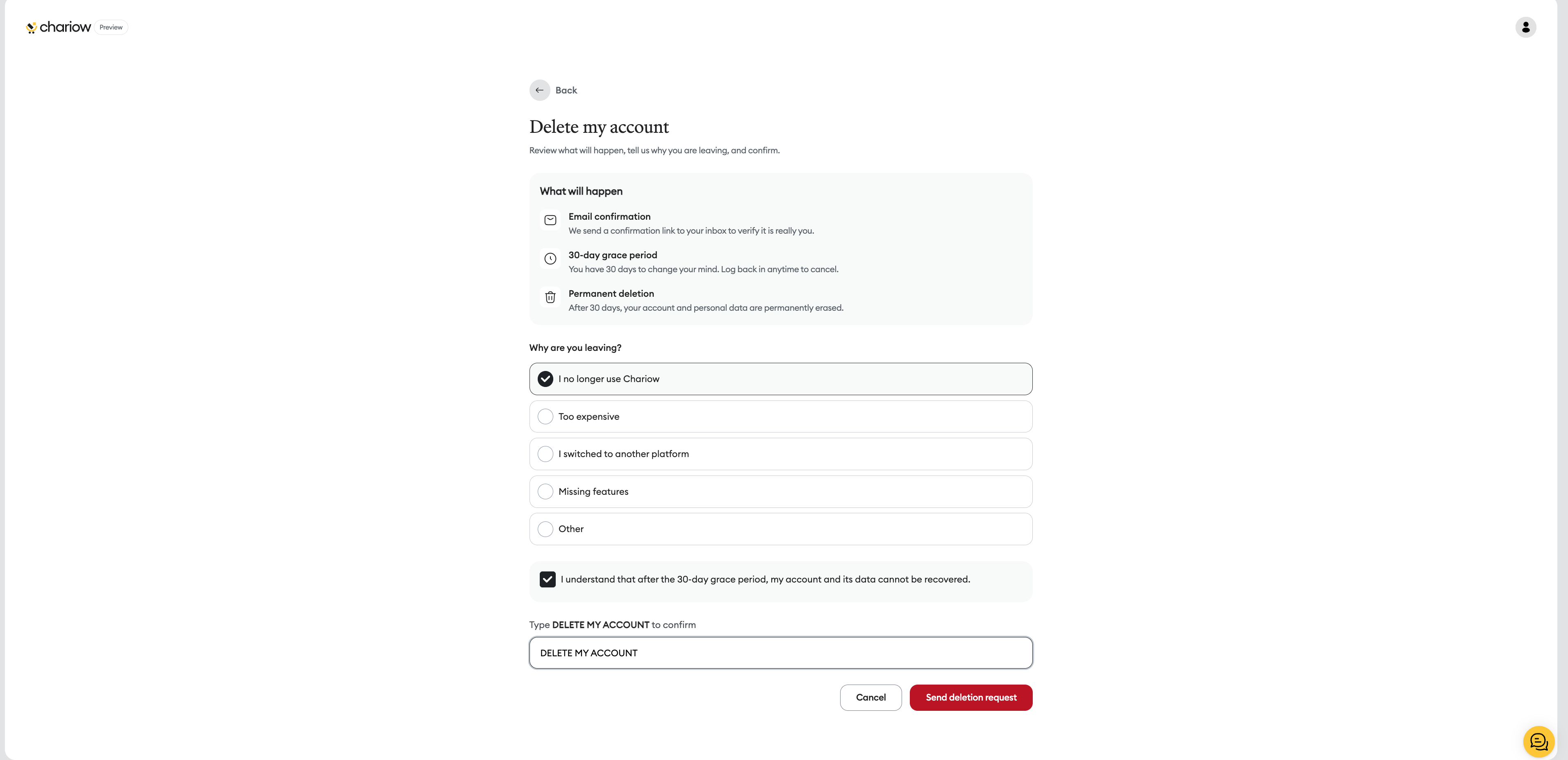
On the confirmation page, you’ll need to:
Indicate the reason why you’re leaving.
Tick the box confirming that you understand the data will be unrecoverable after 30 days.
Type the phrase "SUPPRIMER MON COMPTE" exactly in the text field provided.
Click on "Envoyer la demande de suppression".
To finalize the request, a confirmation link is sent to you by email.
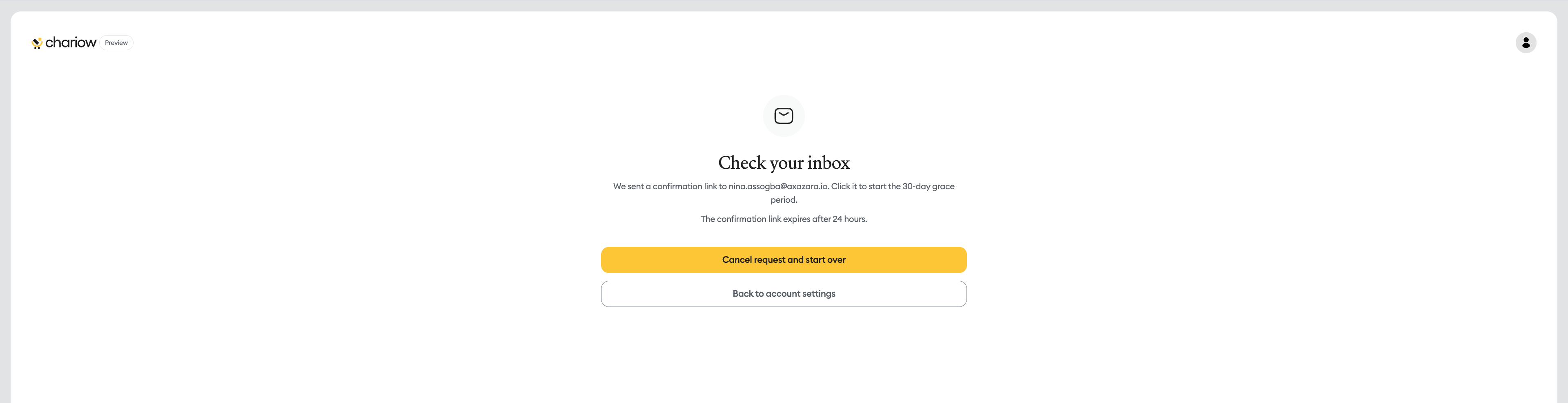
Open the email sent by Chariow.
Click the confirmation link to officially start the grace period.
Note: This link expires after 24 hours. If you don't click it, your account will stay active.
Once the deletion is confirmed by email, your account switches to status "Scheduled for deletion".
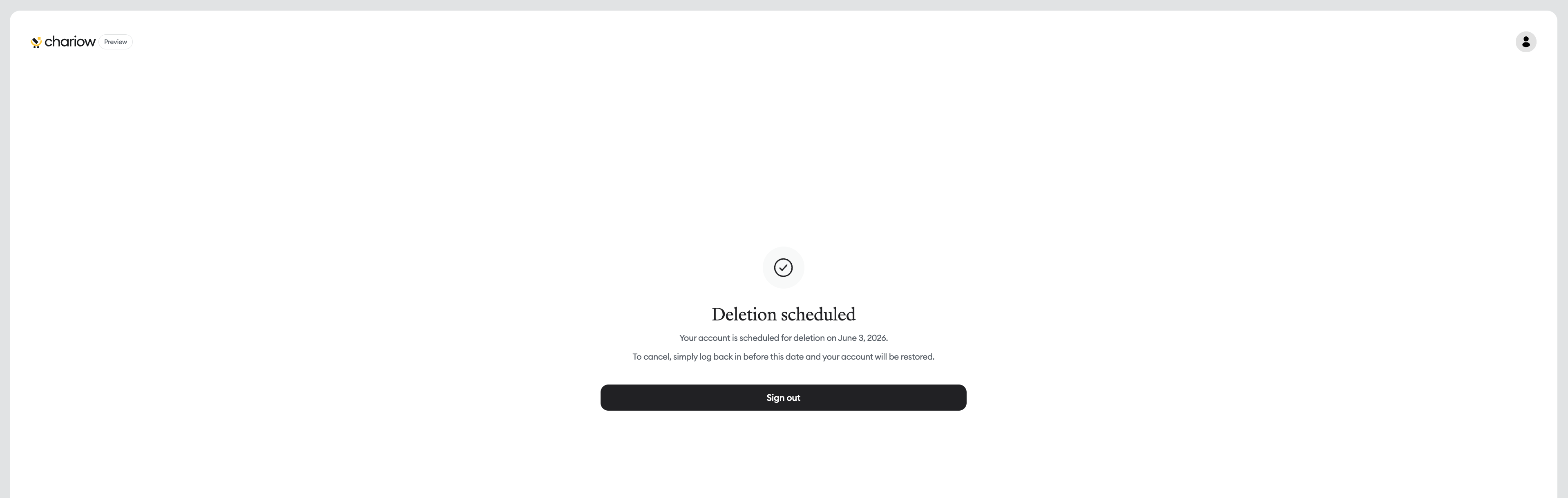
30-day grace period: Your data isn’t erased right away. You have 30 days to change your mind.
How to cancel? To cancel the process, just log back into your account before the deadline shown on the screen. Your account will then be restored instantly.
Permanent deletion: After the 30-day period, your account, your shops, and your personal data are permanently and irreversibly deleted.
Backup: Before deleting your account, make sure you’ve downloaded your income reports or any data you might need.
Archiving vs Deletion: If you just want to take a store offline while keeping your access to support and your other projects, choose archiving instead of deleting your account.
Need help? Contact our support via chat or at [email protected]

