The clarity of the purchase journey is a major lever for reducing cart abandonment. To help you, Chariow is introducing a help page directly integrated into your store. Your customers can use it to view a complete guide detailing the payment steps and how to find their purchases on their own.
Every Chariow store automatically has this dedicated section. It centralizes answers to common questions about secure payment and access to downloads.
There are two simple ways to access this page:
Via the URL: Simply add /help to the root of your store URL (e.g. https://resources.chariow.com/help).
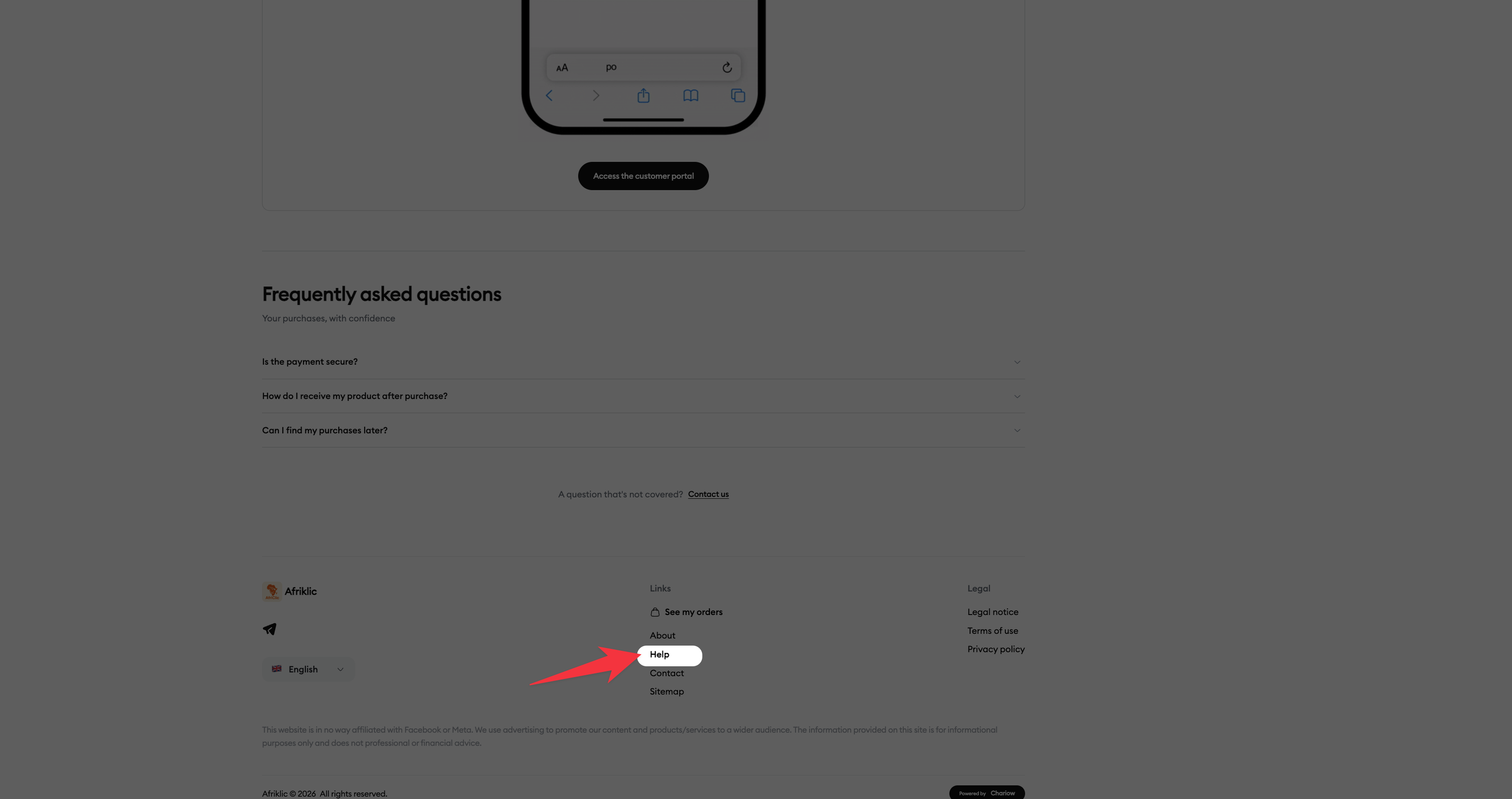
Via the Footer: A direct link called "Help" is automatically displayed at the bottom of every page of your store. Your customers can therefore be guided at any time during their browsing, wherever they are.
We recommend adding this link to your communications (social media bios, welcome emails) so you can reassure your buyers even before they place an order.
You can go even further by activating this guide proactively. With a simple setting, the guide opens automatically as soon as your customer arrives on the product page.
Add the parameter ?help=buy at the end of your usual product link:
Standard product link: https://votre-boutique.com/nom-du-produit
Link with guide enabled: https://votre-boutique.com/nom-du-produit?help=buy
Here’s how to turn your usual links into optimized links with assistance:
Standard product link: https://resources.chariow.com/gagnerlargent26
Product link with auto-activated guide: https://resources.chariow.com/gagnerlargent26?help=buy
Another example (Base link): https://resources.chariow.com/prd_w3z7vj?help=buy
The guide pops up instantly when the page loads. It’s the perfect tool to guide a hesitant customer at the exact moment they have to make their buying decision.
Fewer abandoned carts: A customer who understands the process is a customer who will complete the payment.
Time saving: The help page answers common questions, which reduces the number of requests to your customer support.
Credibility: A clear, easy-to-access help structure naturally strengthens trust in your professional store.
Need help? Contact our support via chat or at [email protected].