The "Appearance & Theme" section of your settings lets you control the visual look, colors, and structure of your online storefront. You can customize the design in an intuitive way to reflect your brand identity without any technical knowledge.
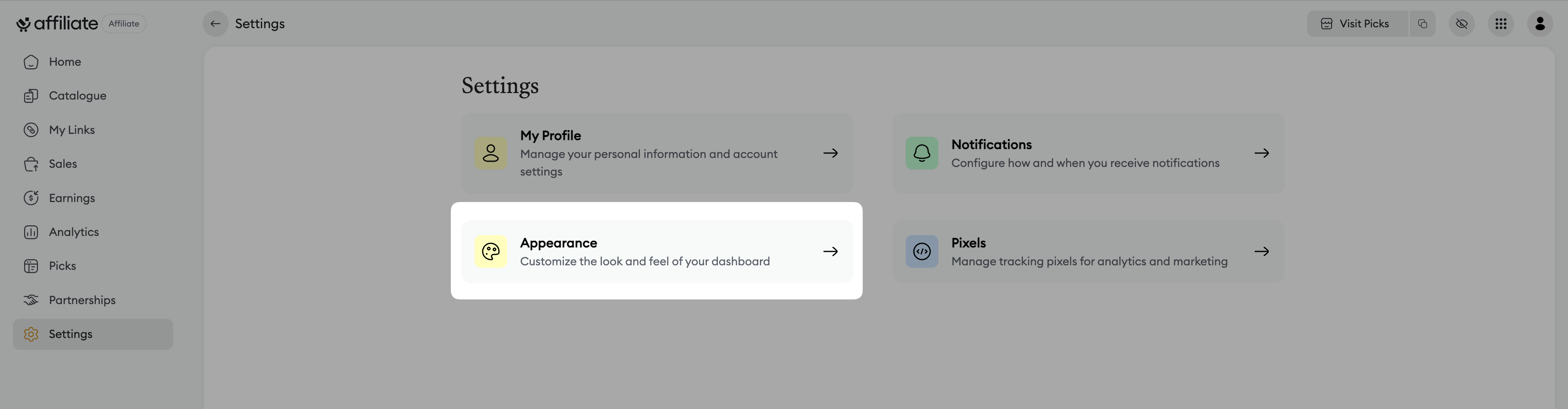
From your dashboard, go to the "Settings" tab.
Click on "Appearance".
This section lets you choose the visual identity of your storefront:
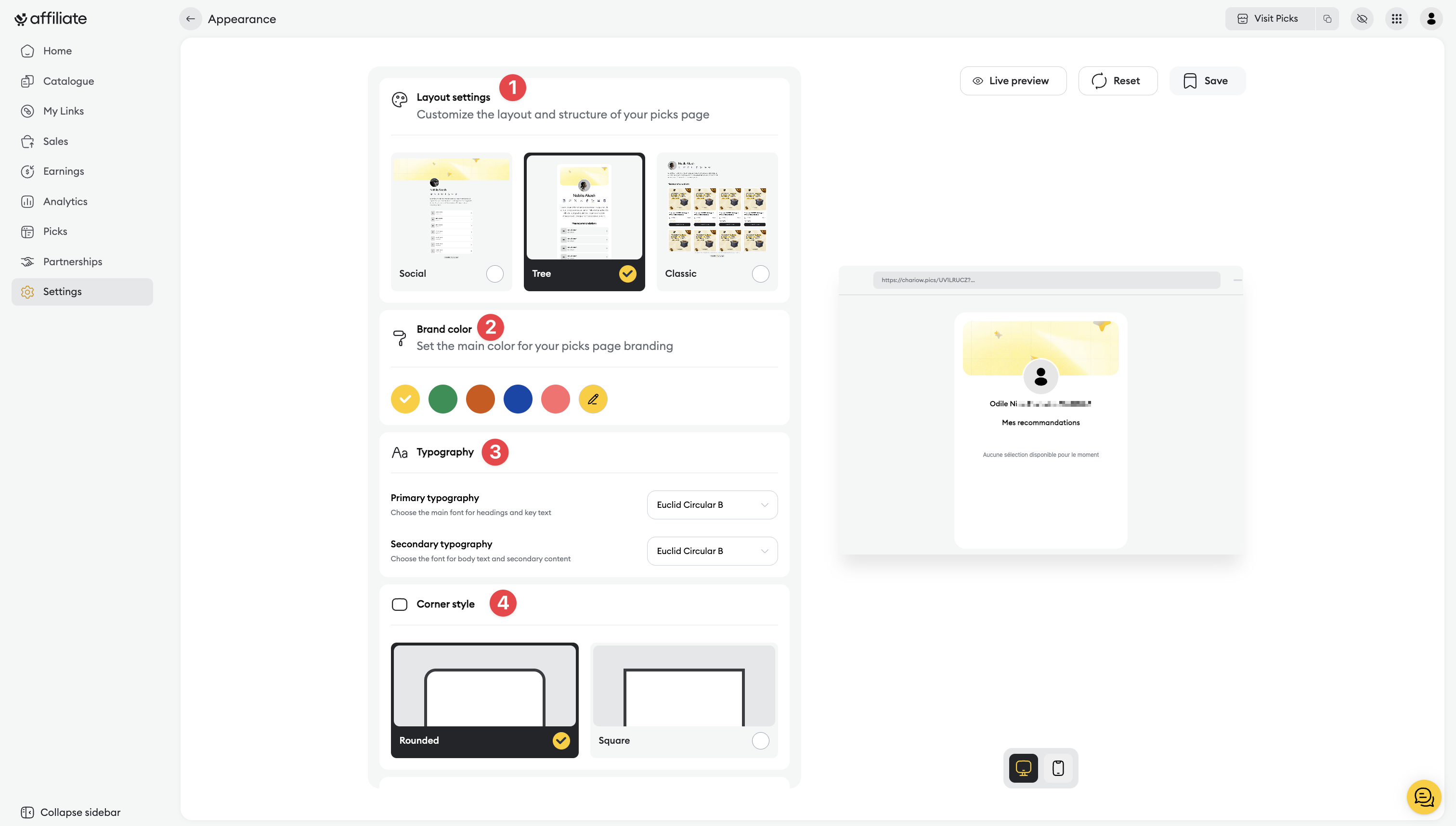
Appearance of your storefront: Choose the template that best fits your brand.
Your brand color: Select the main color for buttons and accent elements.
Text typography: Set the primary and secondary fonts.
Corner style: Choose between rounded or square edges for your visual elements.
This is where you define the sorting priority for your customers:
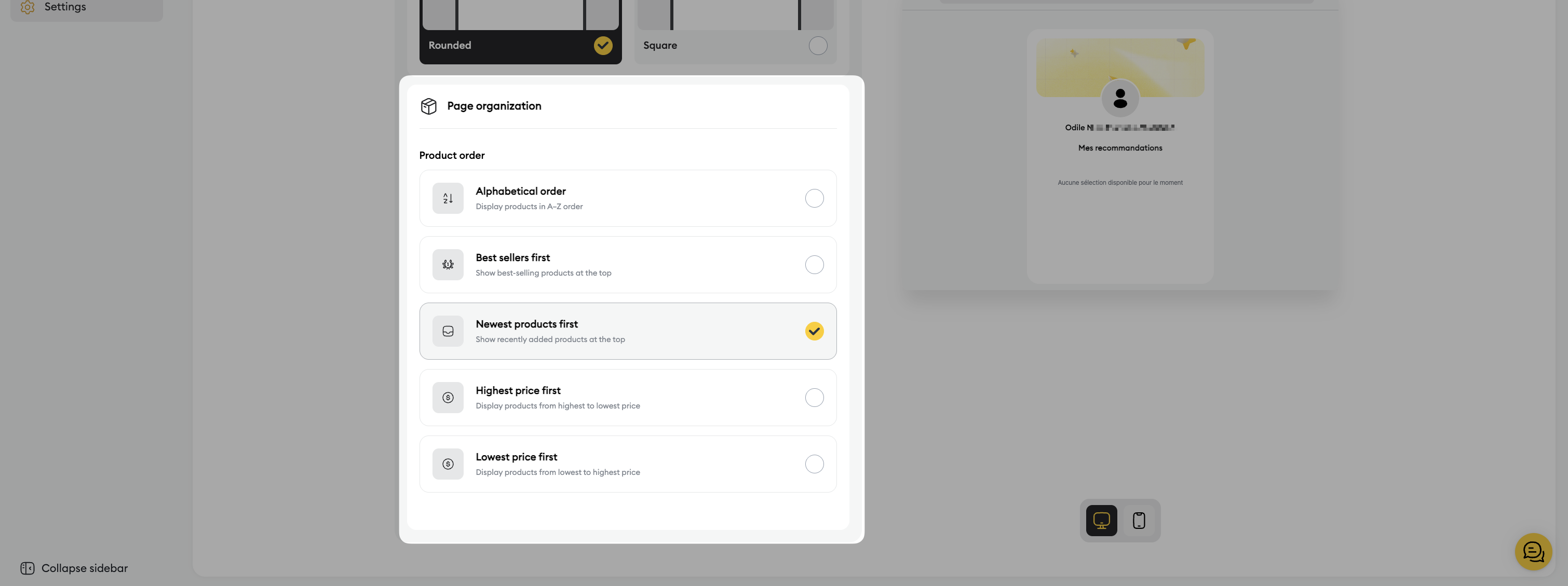
Alphabetical order: Sort by name from A to Z.
Best sellers first: Highlight your top products to reassure buyers.
Most recent first: Showcase your new products to spark interest.
Most expensive first: Put your high-end products first.
Cheapest first: Prioritize your most affordable products.
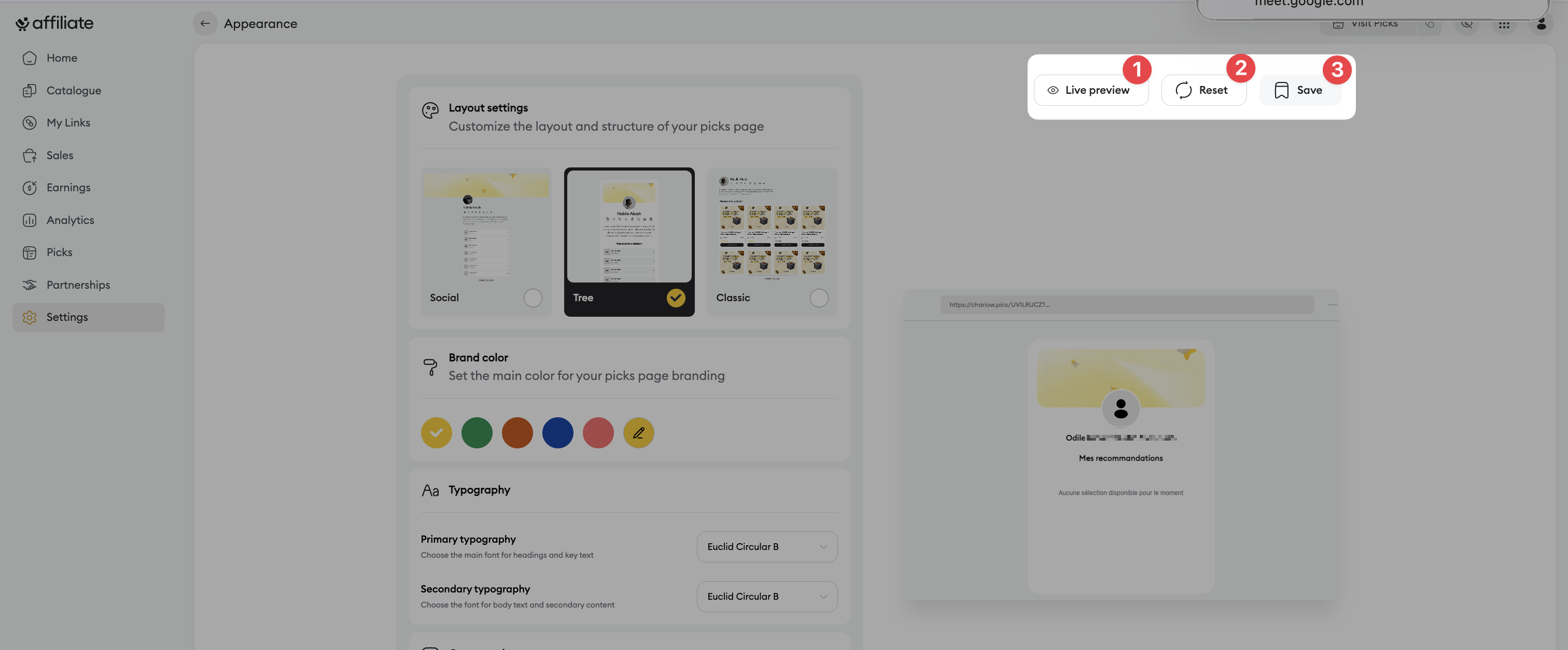
Live preview: Preview how your site looks before confirming.
Reset: Clear all your settings in one click if you want to start from scratch.
Save: Apply your settings to make them instantly visible on your storefront.
Need help? Contact our support via chat or at [email protected]

