Do you want to connect your store to third-party tools, automate complex data flows, or build a custom experience on top of our infrastructure? Chariow provides you with a suite of tools dedicated to developers.
Access to the API and technical resources lets you fully leverage the flexibility of our ecosystem thanks to several options:
API Reference : Manage your products, customers, discounts, and more programmatically through a complete REST interface.
Webhooks : Get instantly notified on your servers when key events happen (successful sale, cancelled subscription, failed payment).
License Management : Automate the generation and verification of activation keys for your software or digital services (SaaS).
n8n Integration : Use our dedicated modules to create complex automation workflows without writing heavy code.
Model Context Protocol (MCP) : Connect Chariow directly to AI assistants for smart management of your store.
Checkout Customization : Plug our sales flows directly into your own apps for a fully tailored user experience.
All technical resources, API schemas and implementation guides (Quick Start, Authentication, etc.) are centralized on our dedicated platform.
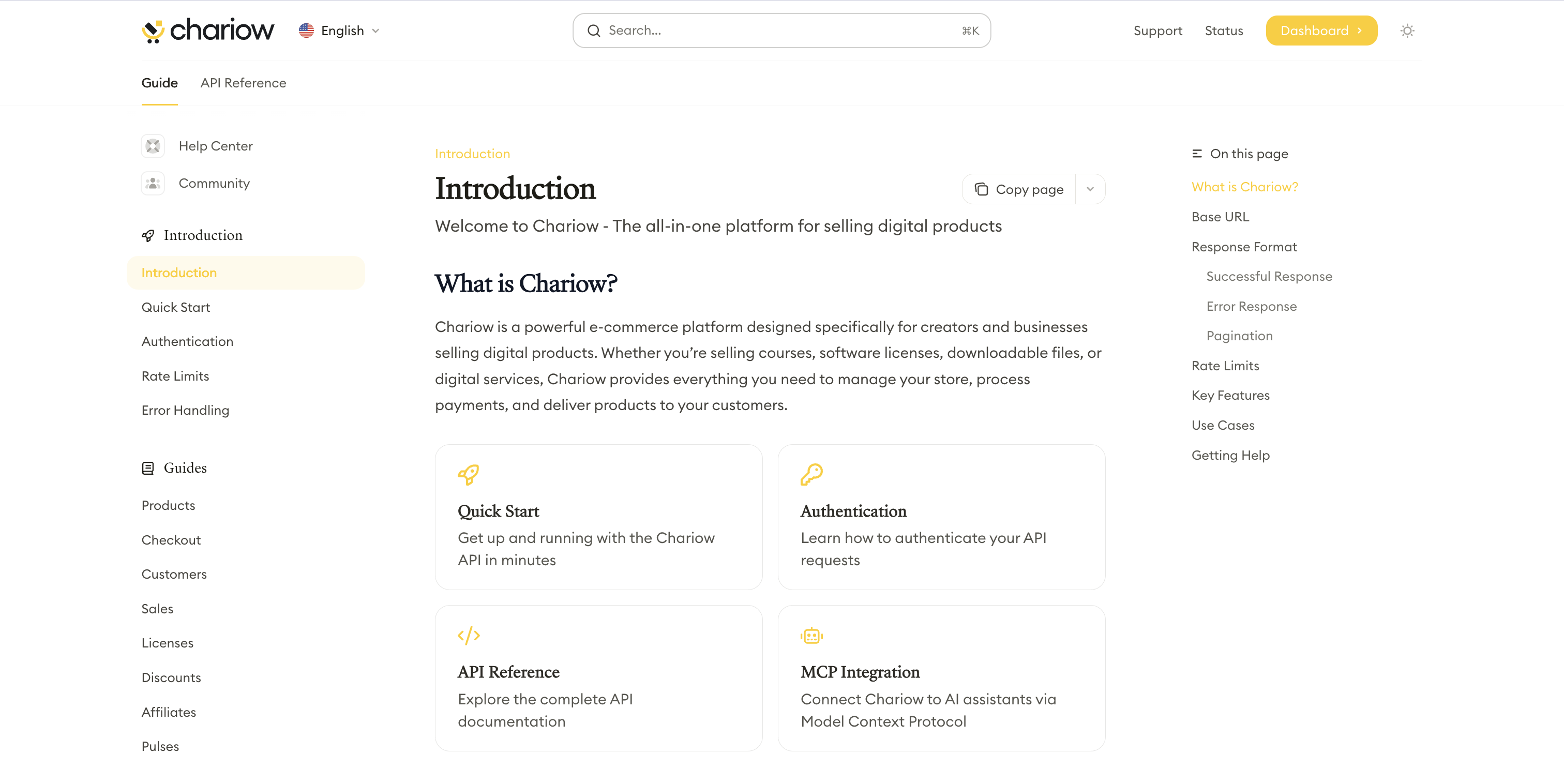
To view all of our technical guides and the API reference, go to: chariow.dev
Once you’re on the portal, here’s the recommended path for a successful integration:
Authentication: Learn how to generate and use your secure API keys.
Base URL: Set up your requests to point to https://api.chariow.com/v1.
Webhook testing: Set up your destination URLs to receive real-time data streams.
Security is our top priority. The chariow.dev portal details best practices for handling your customers' data and securing your API calls.
Security reminder: Never share your secret API keys. Chariow will never ask for your secret key by email or via chat.
A specific technical question or need help with the API?
Technical support: Via the chat in your dashboard.
Dedicated email : [email protected] (Add [DEV] in the subject line so our engineers can handle it).