API Keys let you securely connect your store to third-party tools (like automation platforms or analytics services). They act as an identifier to authorize these services to communicate with your Chariow data.
Follow these steps to generate a new key:
Log in to your Chariow interface.
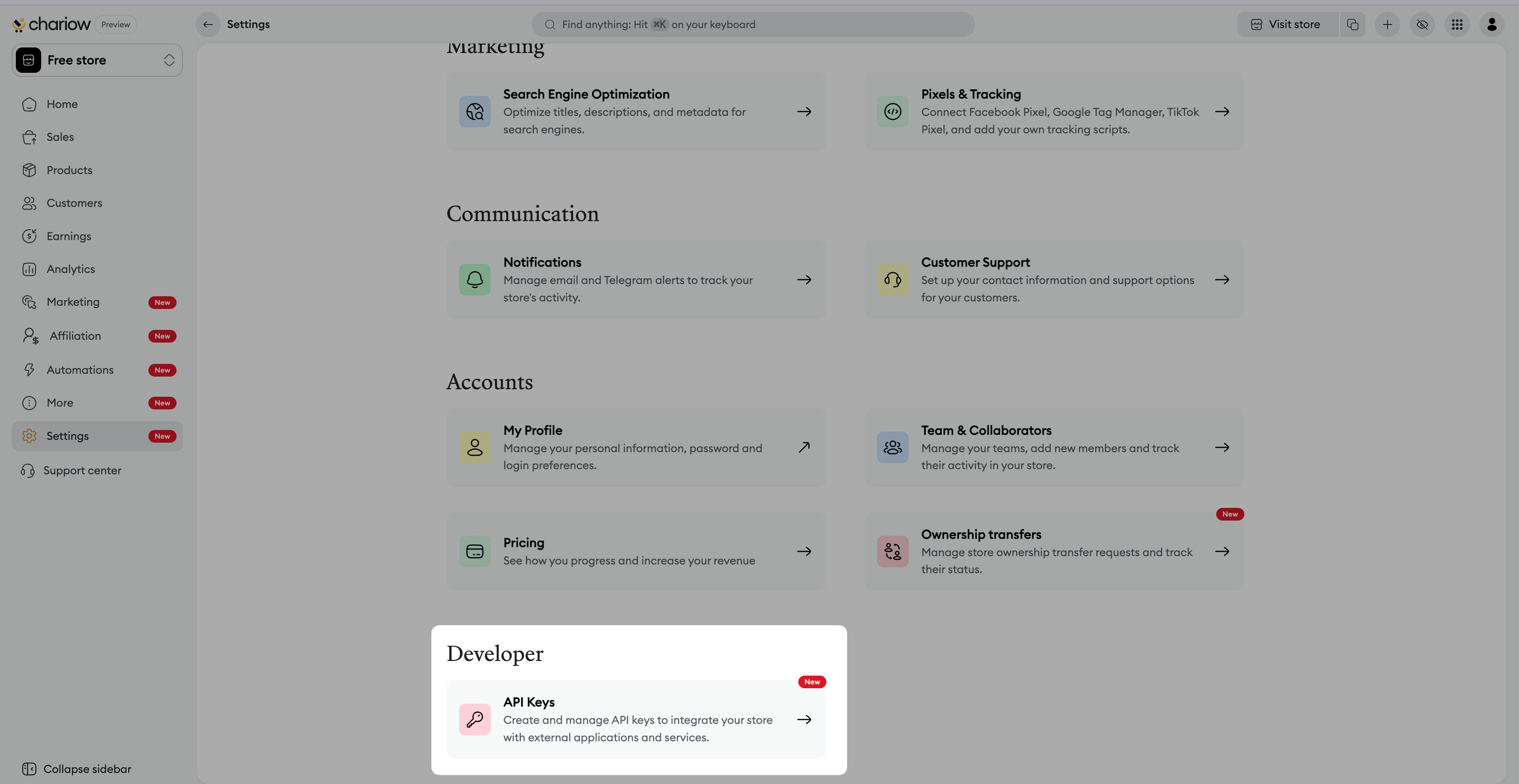
In the left side menu, go to the "Settings" tab.
In the Developer section, click on the "API Keys" tile.
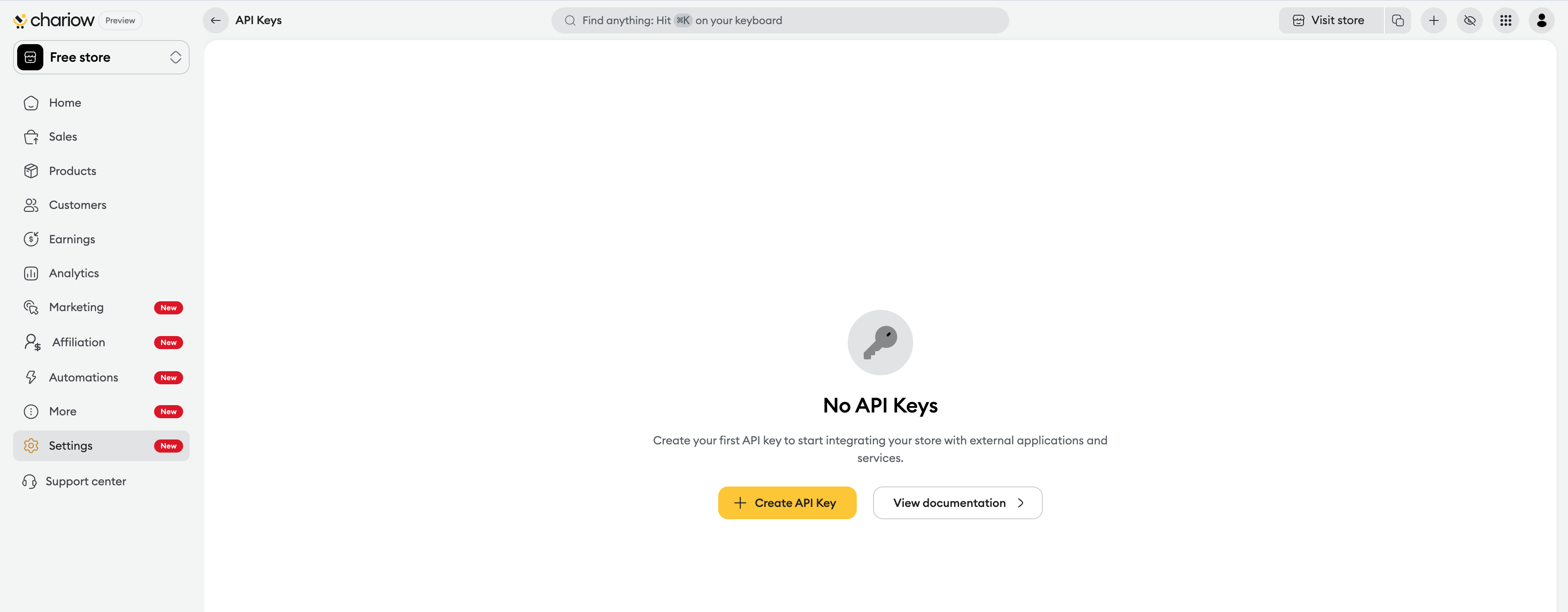
If you don't have a key yet, click on the "Create an API key" button.
In the popup window, enter a clear Name for your key (e.g.: "Key for production server").
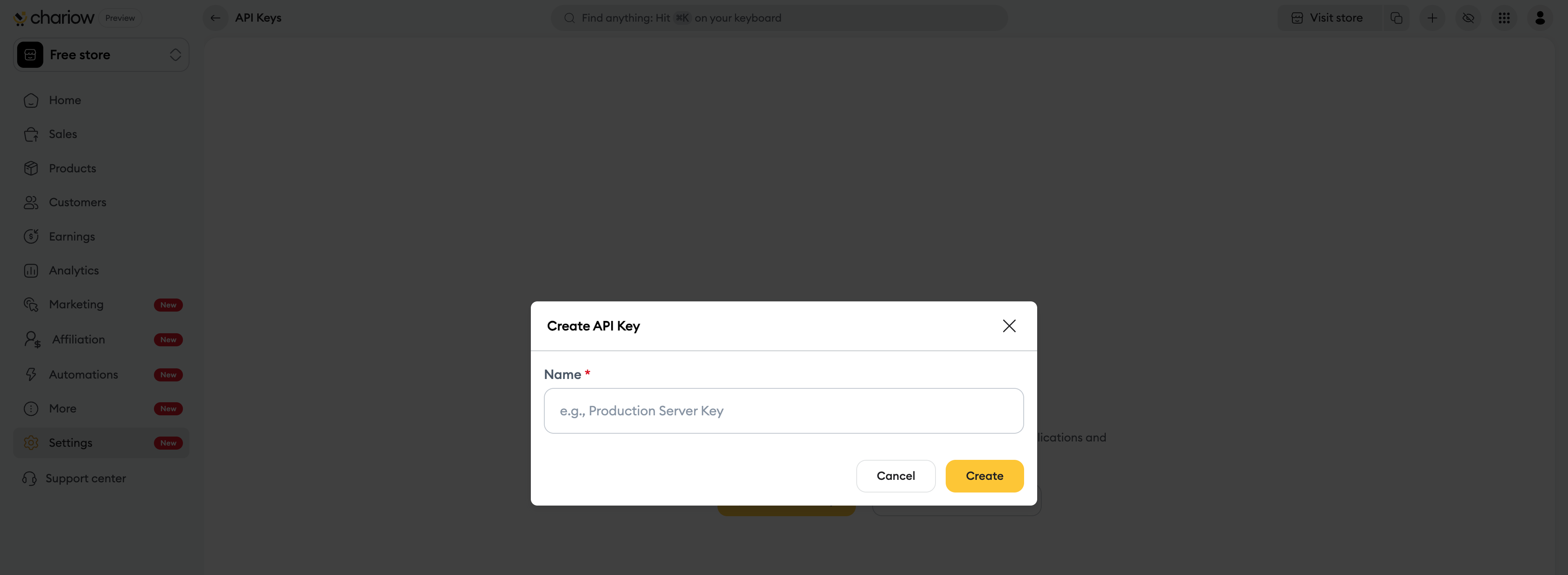
Click on "Create".

sk_9zdr...).Once your keys are created, you can manage all your access from the summary table:
Viewing details: Click on the row corresponding to the key or on the three dots icon (Actions) then on "View" to open a side panel. There you'll find:
The key name and its end of series (to identify it without fully exposing it).
The creation date and the author.
The Last use and the Last IP used to monitor activity.
Deletion: If a key is no longer used or if it has been compromised, click on "Delete" in the side panel or the actions menu to revoke access immediately.
Need help? Contact our support via chat or at [email protected]

