Integration with ChatGPT is done by creating "Applications" (or "Apps"). Thanks to the MCP protocol, you can turn ChatGPT into an expert analyst for your shop who can check your sales and products just by asking.
Log in to ChatGPT.
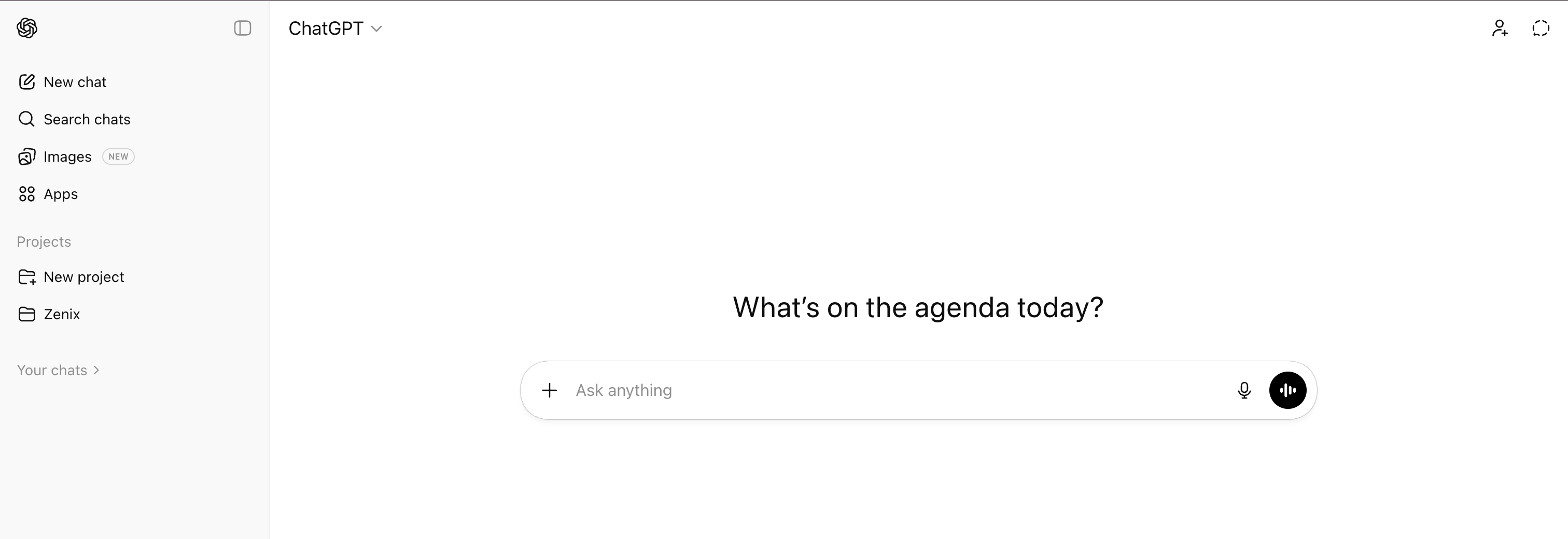
In the left sidebar, click the "Applications" tab.
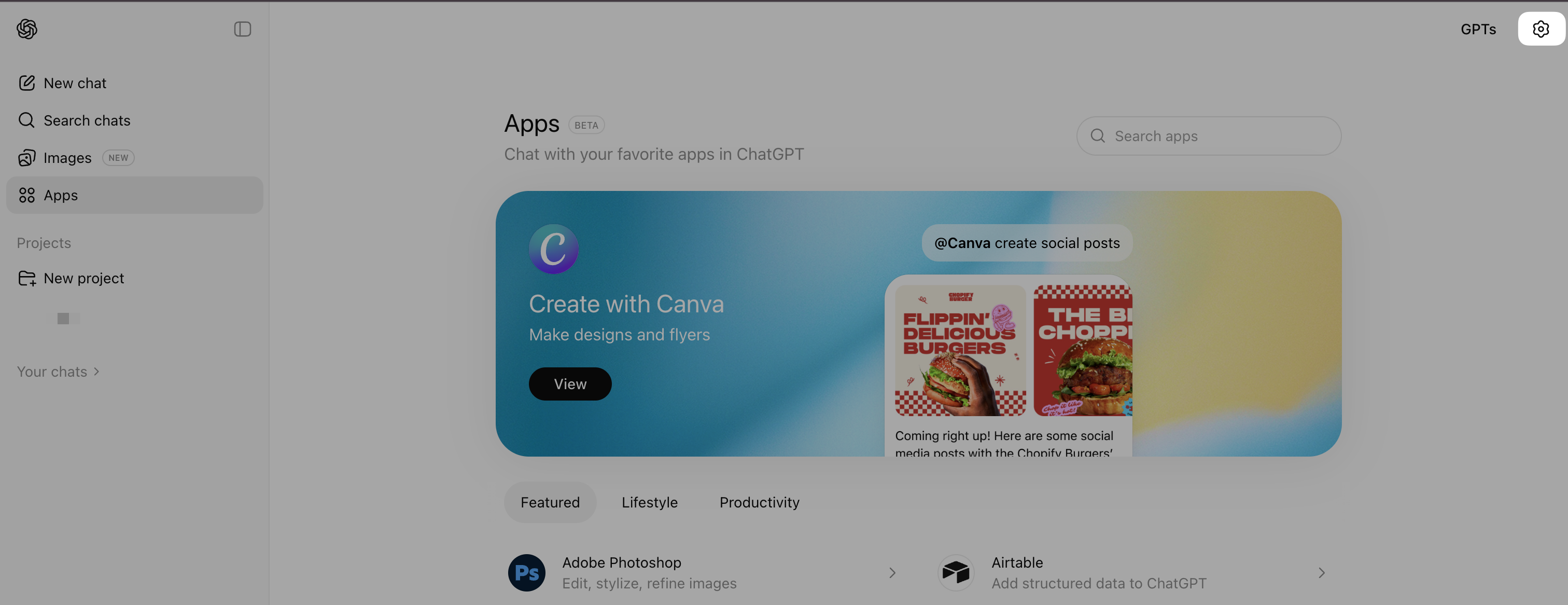
Click on the "Settings" icon (gear) at the top right of the applications page.
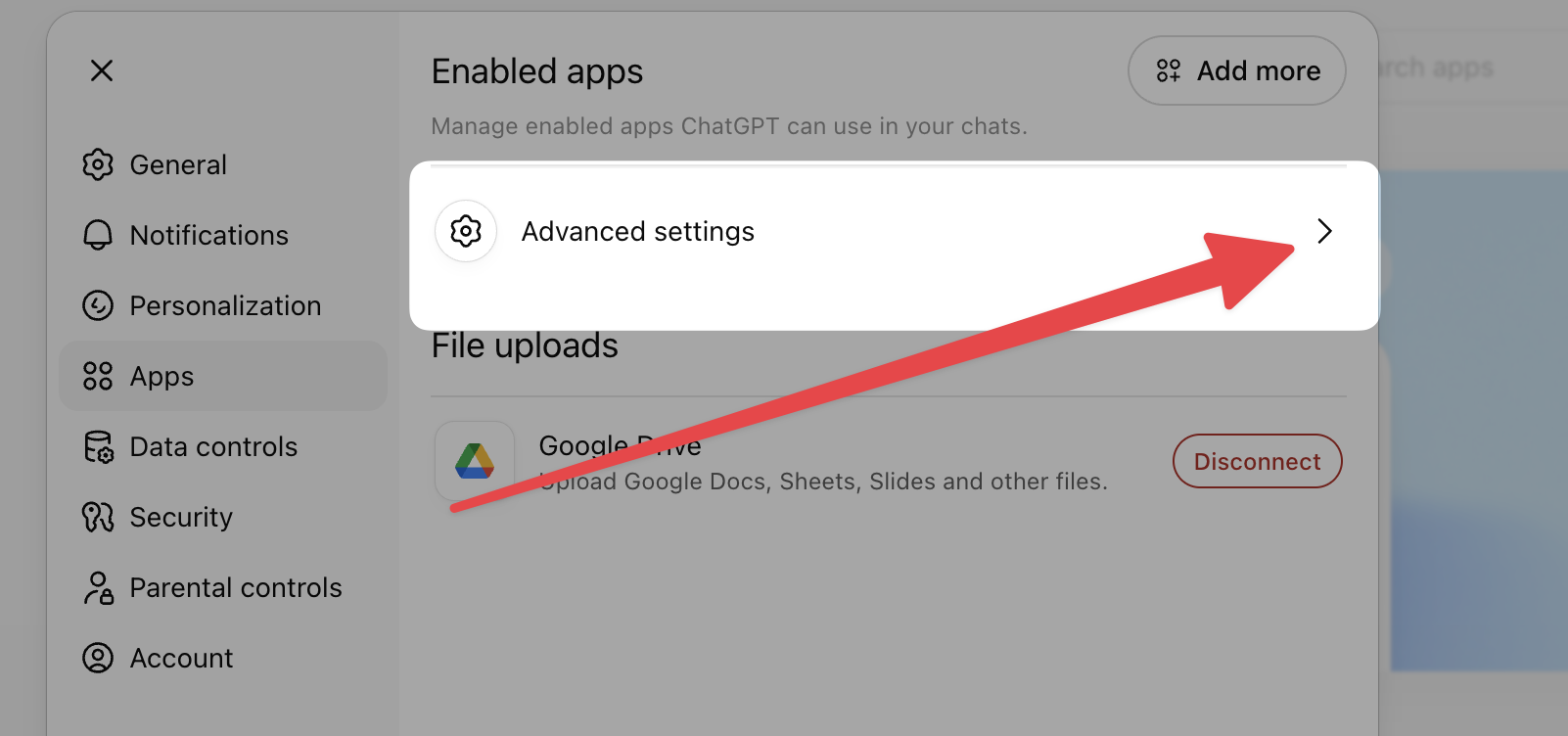
In the window that opens, click on "Advanced Settings".
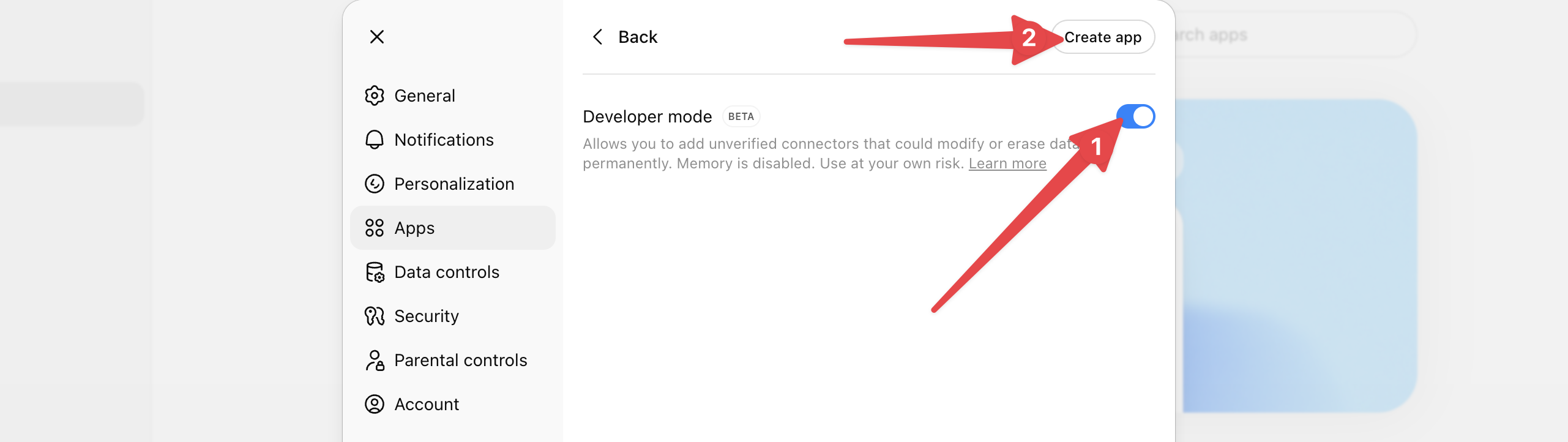
Turn on the "Developer Mode" switch.
Then click on the "Create an app" button that appears at the top right.

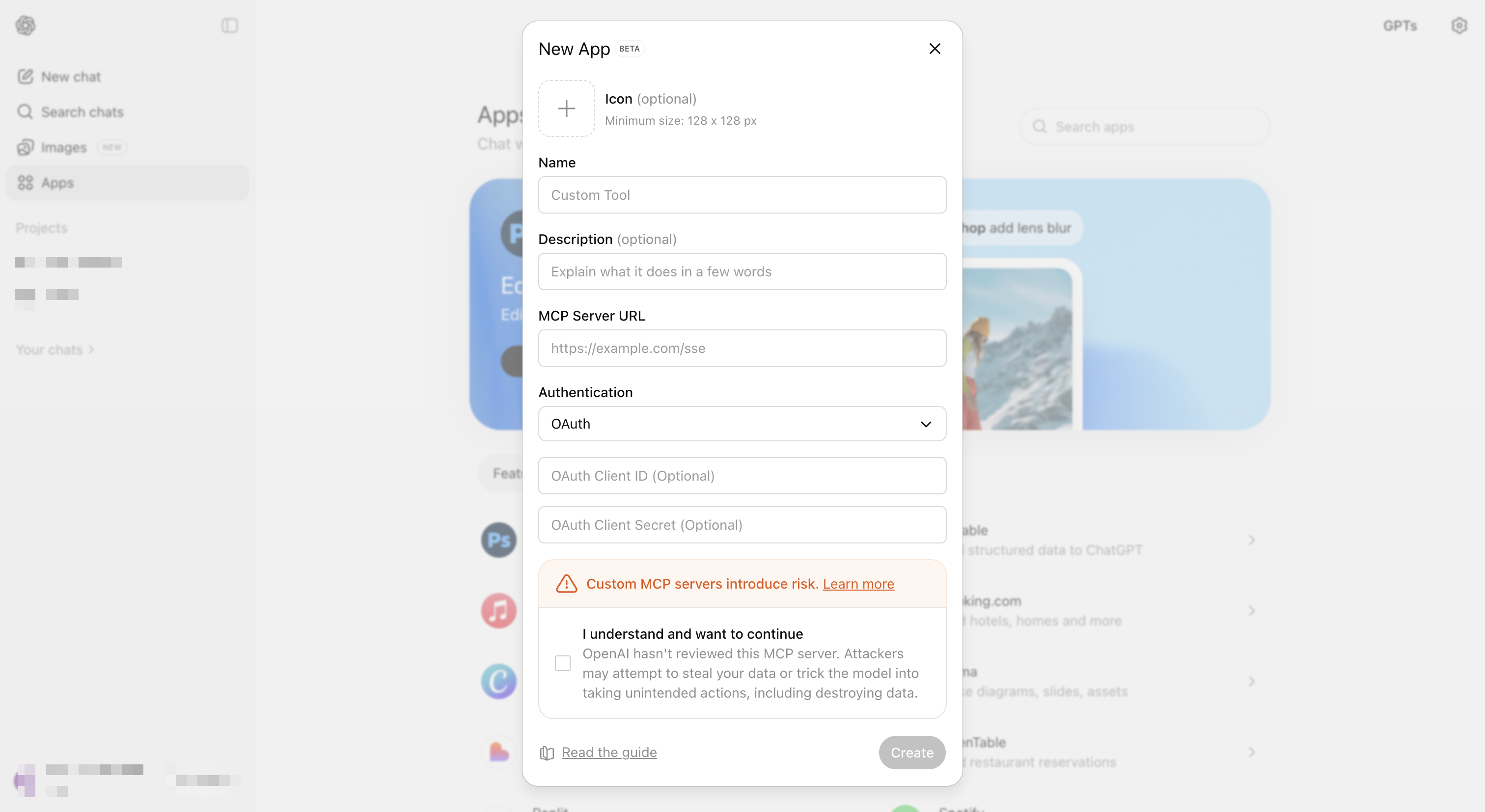
In the "New application" window, fill in the following fields:
Name: Chariow.
MCP Server URL: Paste your link retrieved on Chariow.
Confirmation: Check the box "I understand and want to continue" in the security warning, then click on "Create".
A Chariow window opens: check the permissions and click "Continue".
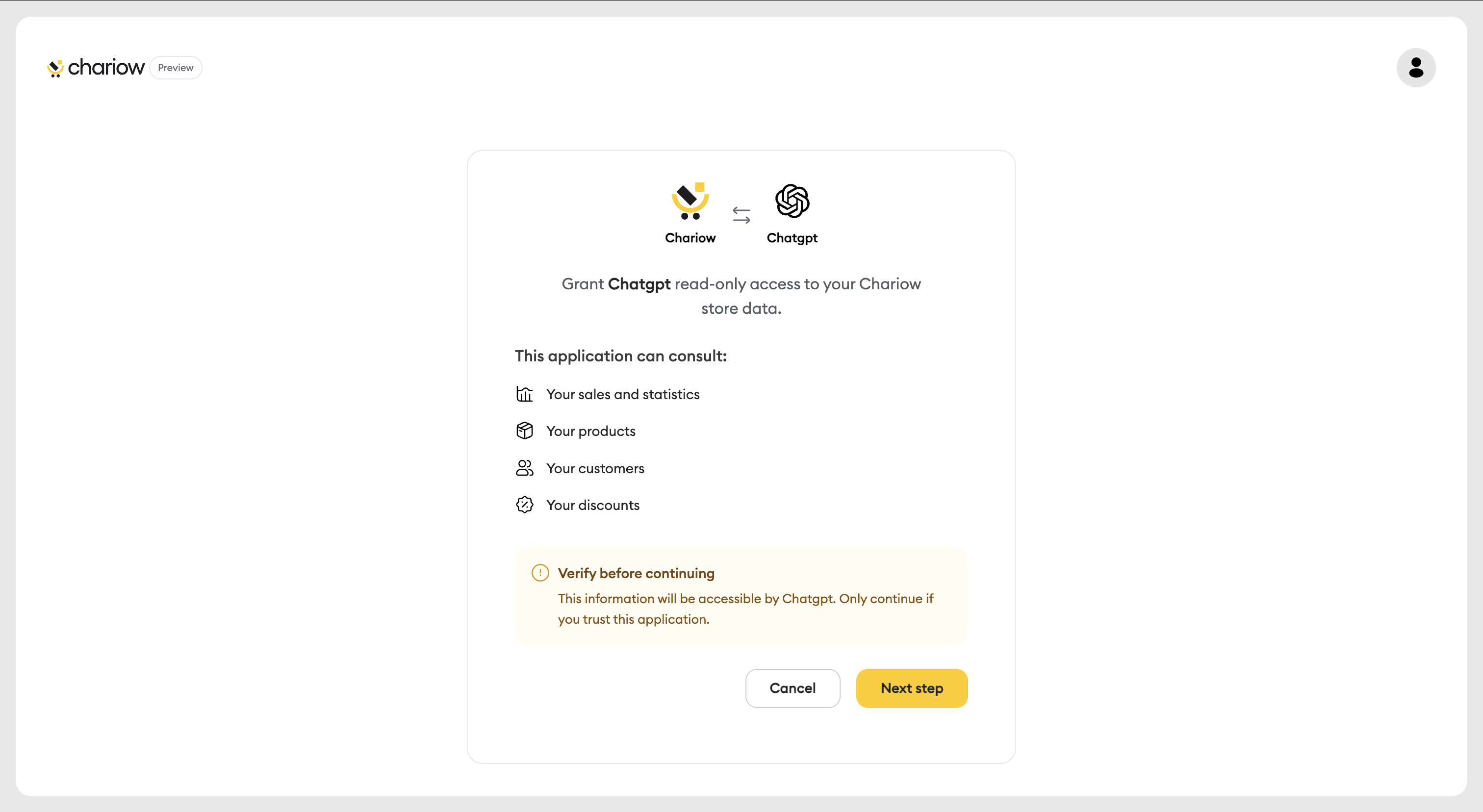
Choose the store you want to link and click "Allow access".
Click "Continue" once the connection is successful.
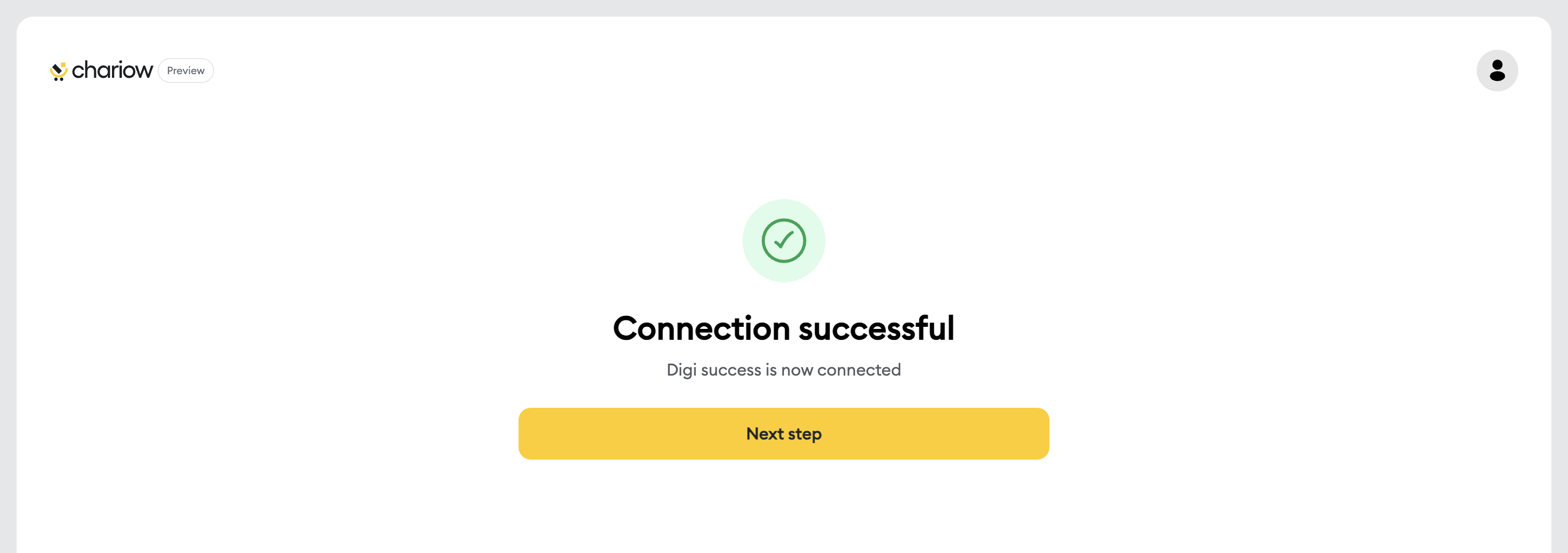
Once it's set up, the Chariow app is ready to use. You can query your data in two ways:
Directly in the chat: Just ask your question (e.g., "What are my sales today on Chariow?"). ChatGPT will automatically detect the needed app.
Via the add menu: In the message bar, click the "+" button, select "Chariow" and ask your question in the Chat..
Need help? Contact our support via chat or at [email protected]

