Adding an integration to your Chariow store lets you connect your favorite tools to automate tasks. This helps you optimize the management of your customers and your campaigns. You’ll save time so you can grow your business more efficiently.
To add a service, go to the left side menu under the Automations tab and click on Integrations.
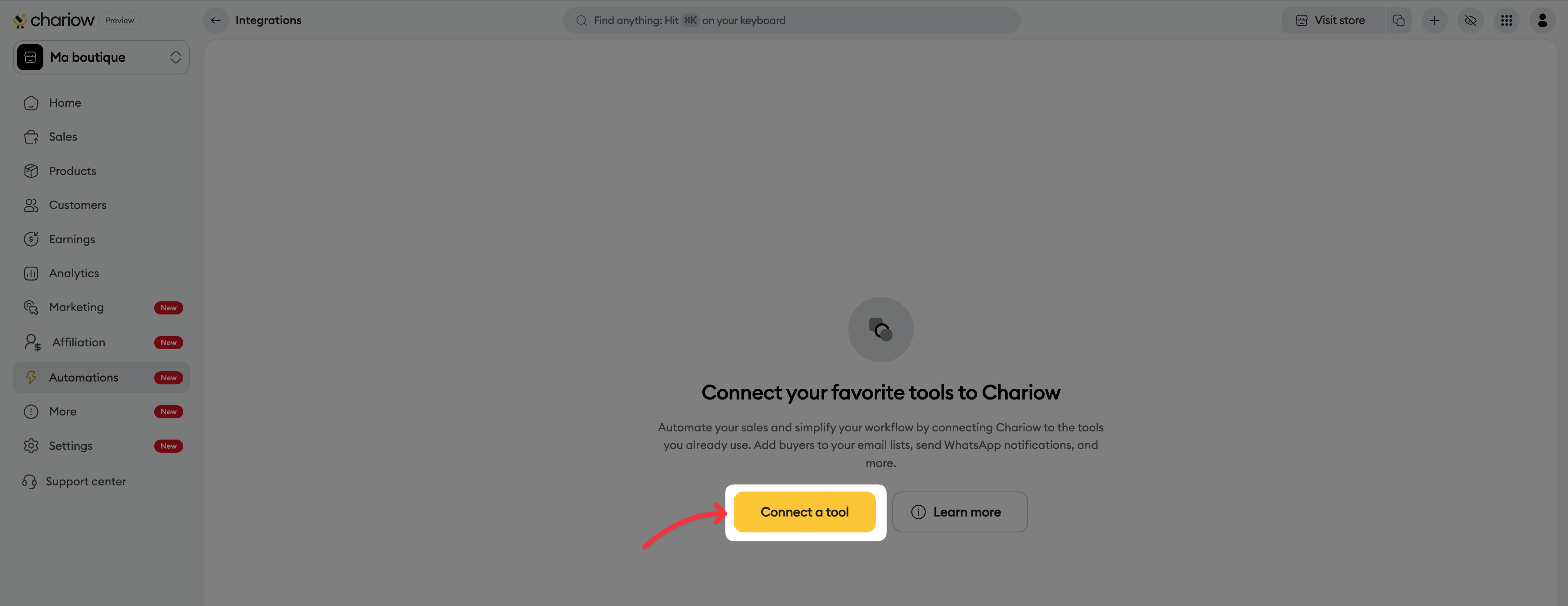
Browse the library: Click the Connect a tool button at the top right to display the list of available services.
Start the connection: Choose your tool and click the Connect button.
Set up access:
Give it an Account name so you can easily identify it.
Follow the instructions specific to the selected tool (connection via account or API key).
Chariow offers you a wide range of integrations to centralize your operations:
Mailchimp & Brevo (ex. Sendinblue) : For your email and SMS campaigns.
Active Campaign & Kit (ex. ConvertKit) : For advanced automations.
MailerLite, Systeme.io & MailBluster : To manage your newsletters and funnels.
Green API, WaSender API & WaChap : To automate and manage your WhatsApp messages.
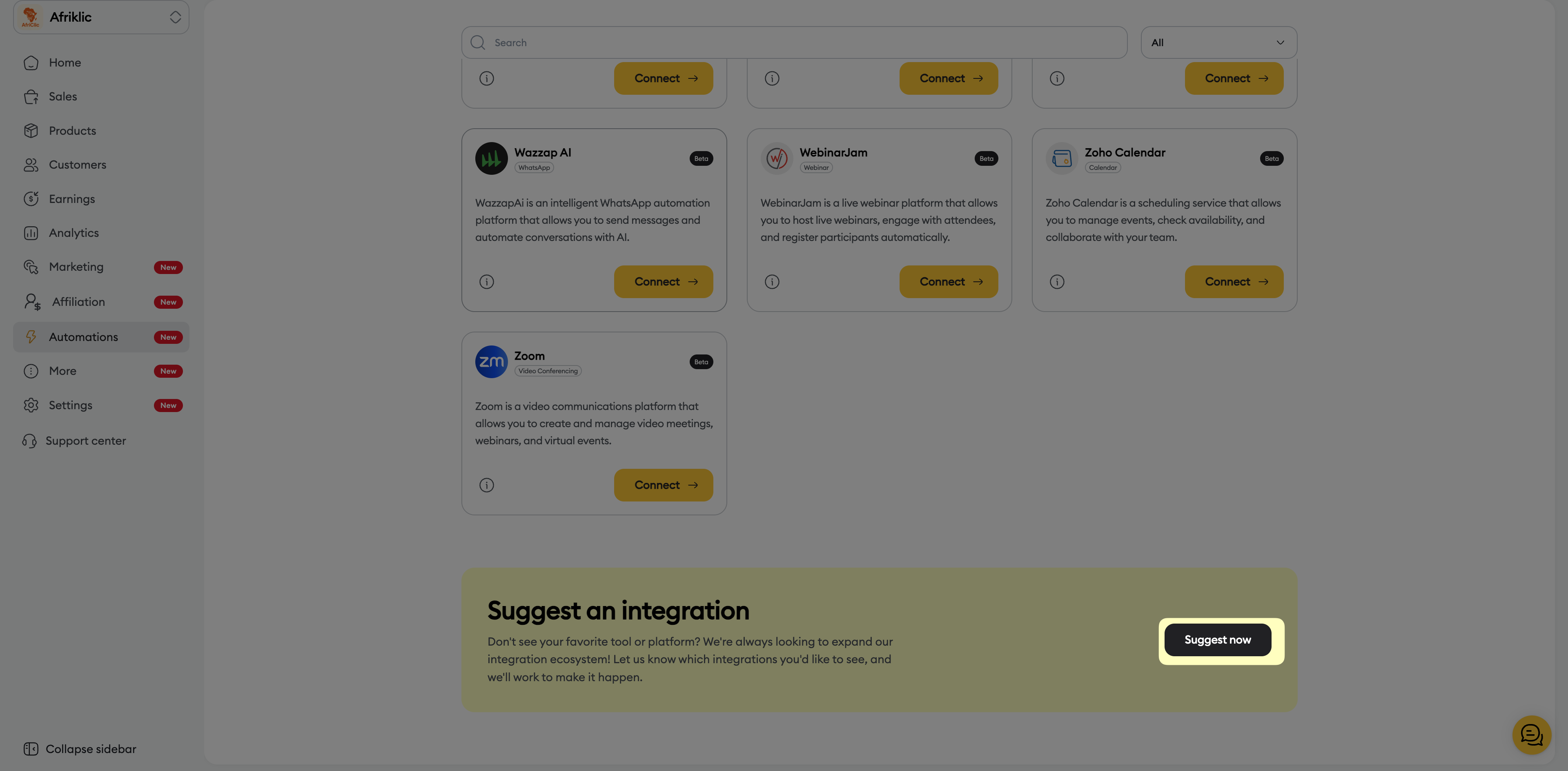
Wazzap AI : For WhatsApp communication assisted by AI.
Google, Apple & Zoho Calendar : To sync your events.
Calendly & Cal.com : To automate your appointment booking.
Teachable & Kajabi : To host and sell your digital products.
Circle : To centralize your community and memberships.
Canva : To import your visuals directly.
Zoom, Google Meet, EverWebinar & Webinar.net : For your meetings and webinars.
Once your tools are connected, you can control their operating status from your list:
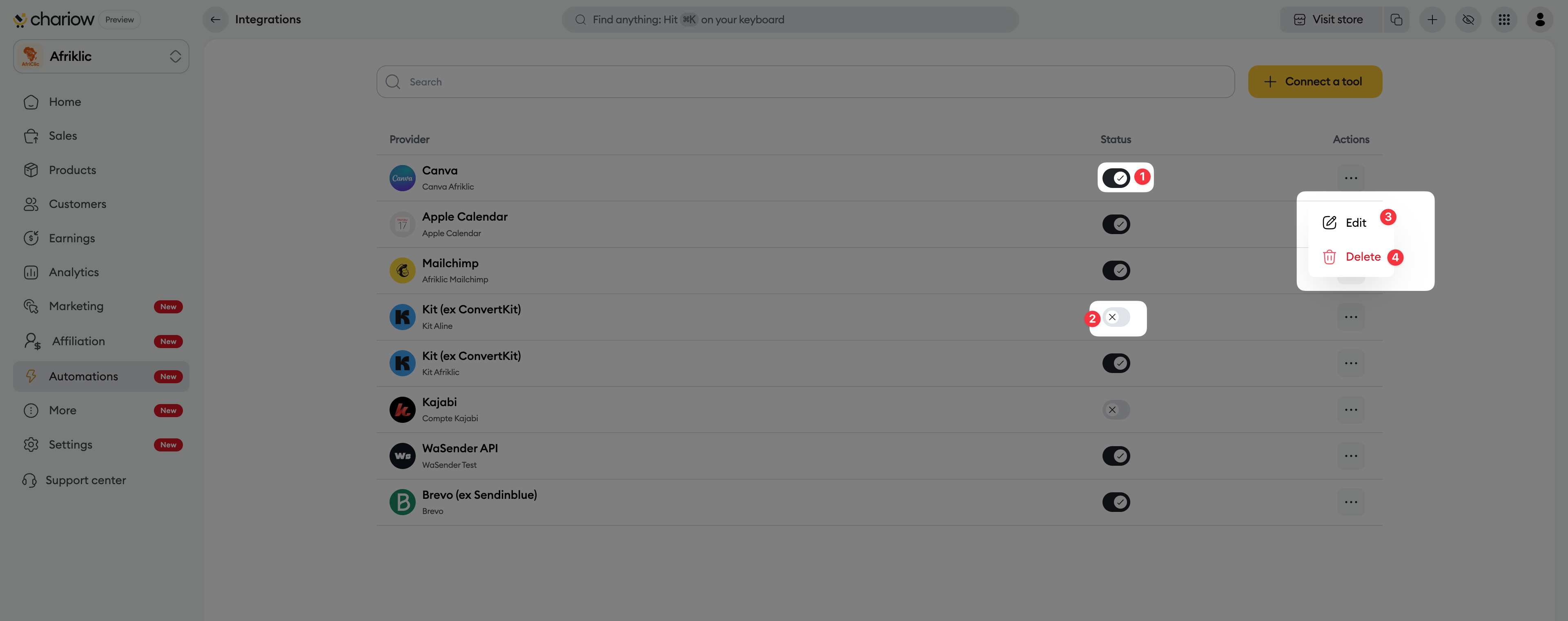
Enable or Disable : Each integration has its own switch.
Slide the switch to the right to enable (1) the tool and allow data exchanges.
Slide it to the left to disable (2) the service temporarily without deleting your settings.
Actions menu (...) : Click the three dots to:
Edit (3) : Change the name or refresh the connection.
Delete (4) : Permanently revoke access.
Service details : By clicking a row, a side panel opens to show the tool description and its Date added.

Need help? Contact our support via chat or at [email protected]

