Teachable is an online platform that lets you create and sell courses or coaching. You can host your videos, organize your content, and easily manage your students there.
To connect Teachable to your Chariow shop and automate your student management, you first need to get an API key from your Teachable account.
To start, you need to log in to your Teachable account.
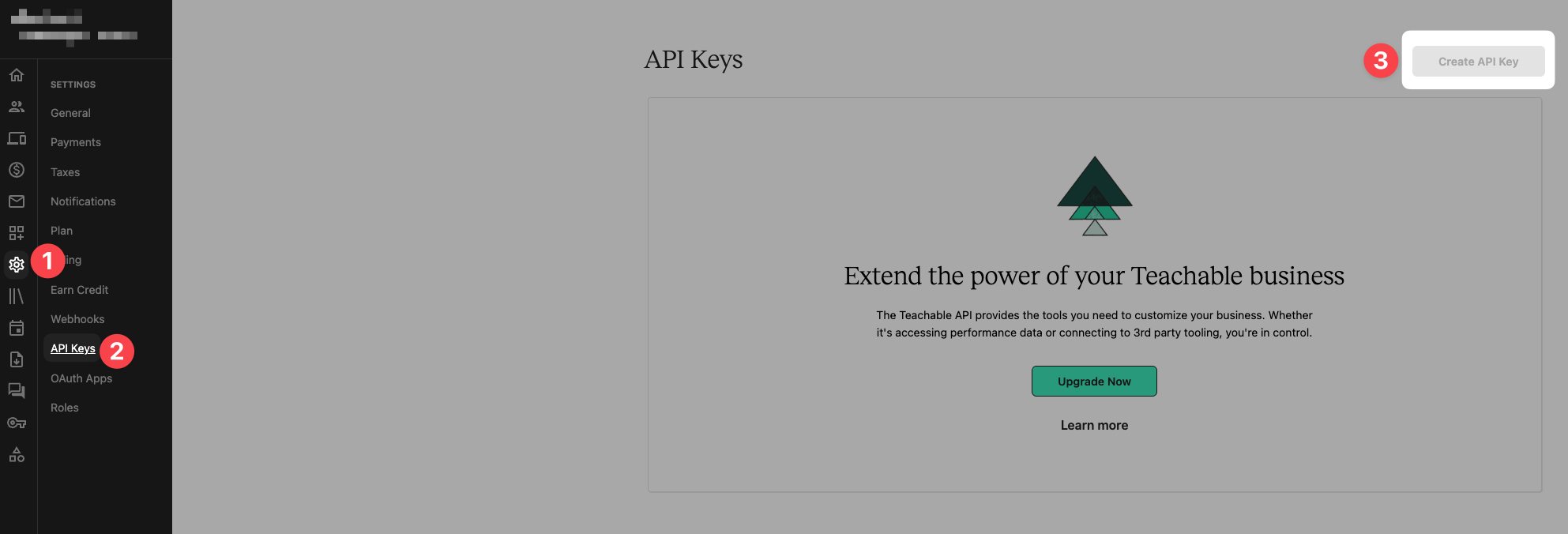
On your dashboard, go to Settings (Paramètres).
Click on the API Keys (Clés API) section.
Click on the "Create API Key" button to generate a new key.

On your Chariow dashboard, go to the Automations section, then click on Integrations.
Find Teachable in the list of available tools and click the "Connect" button.
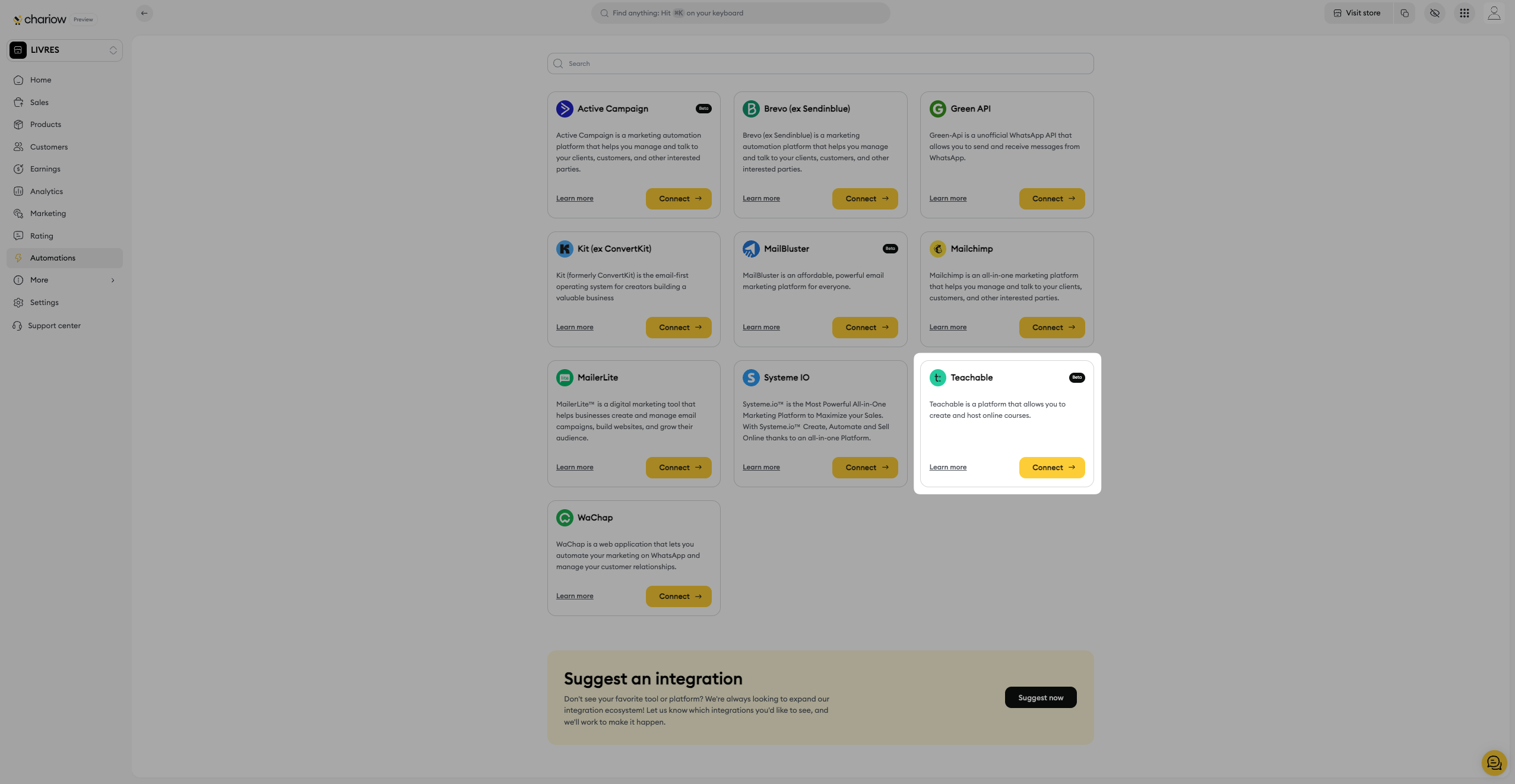
A page will pop up asking you to fill in the following info:

Name your account (1): Give a name to identify this integration (for example, "Teachable Coaching"). You can connect several Teachable accounts.
Enter your API key (2): Paste the API key you just created on Teachable into the required field.
Finish up by clicking on "Connect" (3).
Once the operation is successful, the message "Congratulations! Teachable is now connected" will show up, and you can use Teachable in your automations.
Need help? Contact our support via chat or at [email protected]